---
updatedAt: 2025-09-09T21:40:32.000Z
agentTools:
projectIndex: https://help.zluri.com/llms.txt
---
# Connect
Connect Monte Carlo to Zluri
## Prerequisites
* **Account Owner** privileges in Monte Carlo
* Monte Carlo **Start**, **Scale**, or **Enterprise** subscription
## Integration steps
### Generate an API Key in Monte Carlo
1. [Log in](https://getmontecarlo.com/signin) to your Monte Carlo account.
2. Click **Settings** in the top bar and select **API Access** in the left sidebar. You can also follow [this link](https://getmontecarlo.com/settings/api).
3. In the **Account service keys** tab, click **Create key**.

4. In the key creation dialog box:
* Enter a meaningful description for your API key.
* Click **Create** to generate the API key.
5. Copy and securely store the API Key ID and Secret.
### Connect the Monte Carlo instance in Zluri
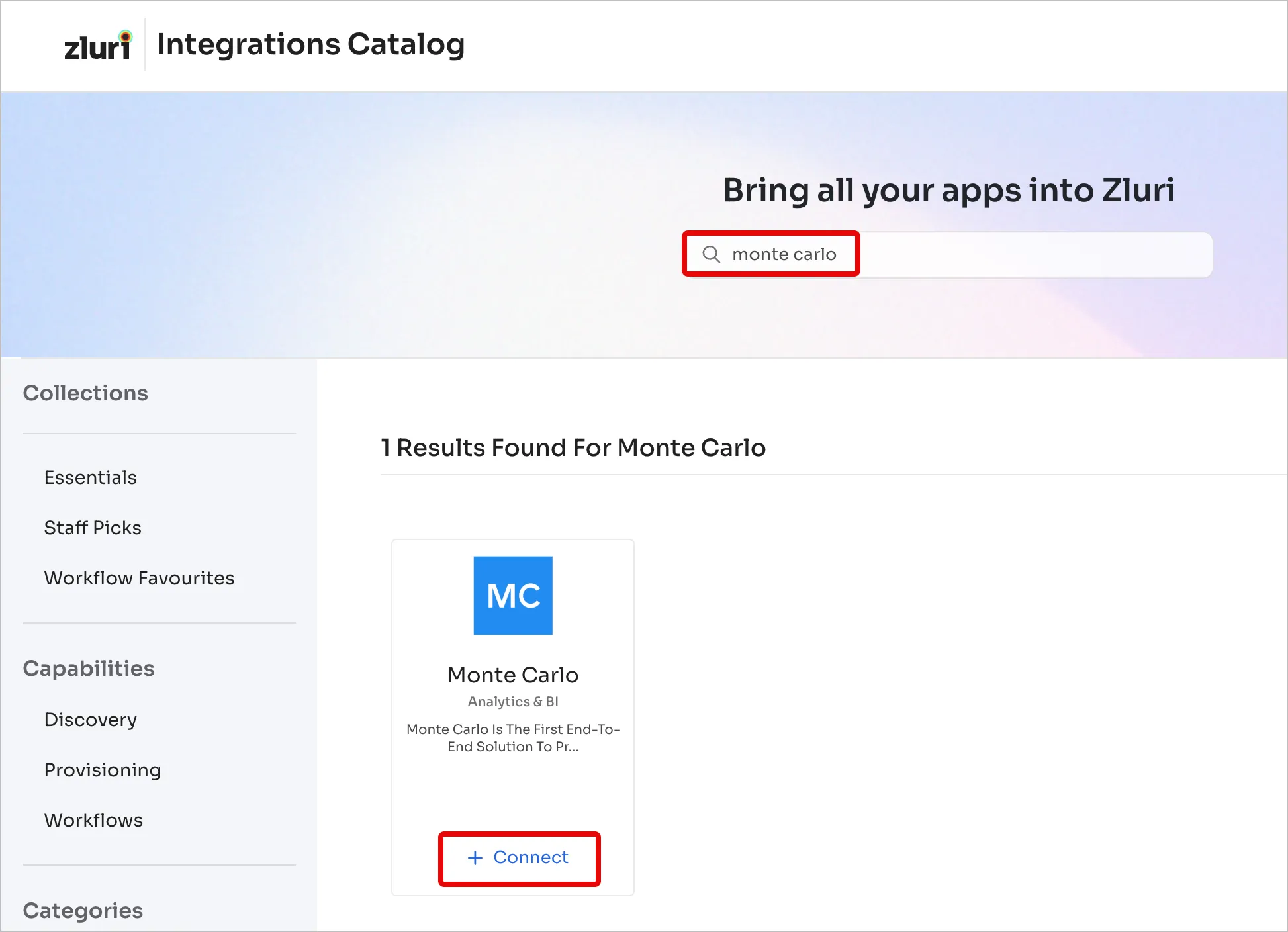
1. Open the [Integrations Catalog](https://app.zluri.com/integrations/catalog), search for “monte carlo”, and click **➕ Connect**.
2. Click **Connect it myself**. You can click the down-arrow button towards the right of a scope to learn what it does.
3. Enter the previously generated API ID and API Token (aka Secret) here.
4. Click **Connect**, give the connection a name and description, and you’re ready to go!
Got questions? Feel free to [submit a ticket](https://support.zluri.com/support/tickets/new) or contact us directly at .