---
updatedAt: 2025-09-09T21:37:14.000Z
agentTools:
projectIndex: https://help.zluri.com/llms.txt
---
# Multi-instance Connection
Connect multiple instances of the same integration
Zluri does not limit you to a single instance of your SaaS apps—you can connect as many as you want.
To connect a new instance:
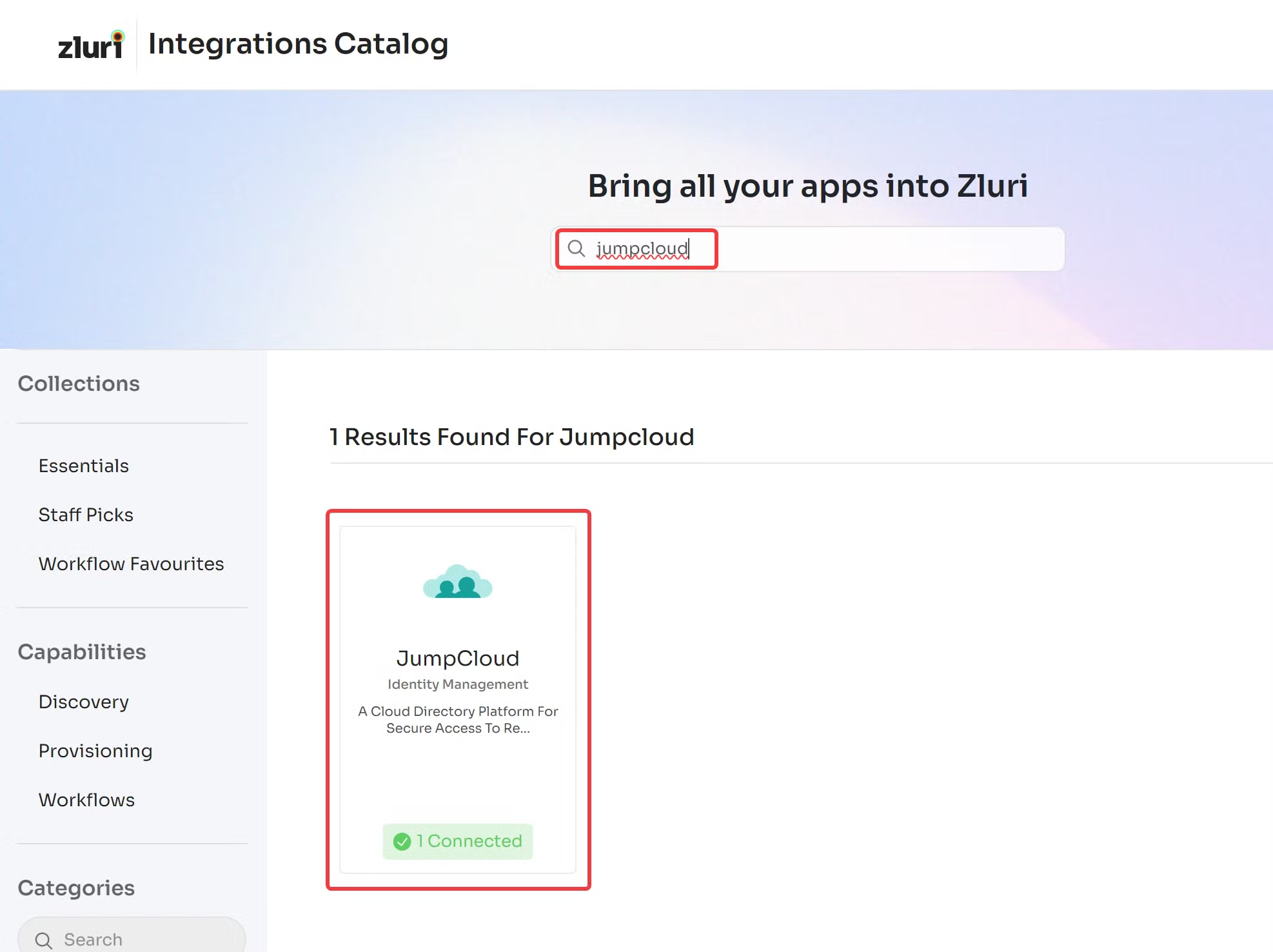
1. Go to the [Integrations Catalog](https://app.zluri.com/integrations/catalog), search for the app, and click on the result. In this example, we are using **JumpCloud**.
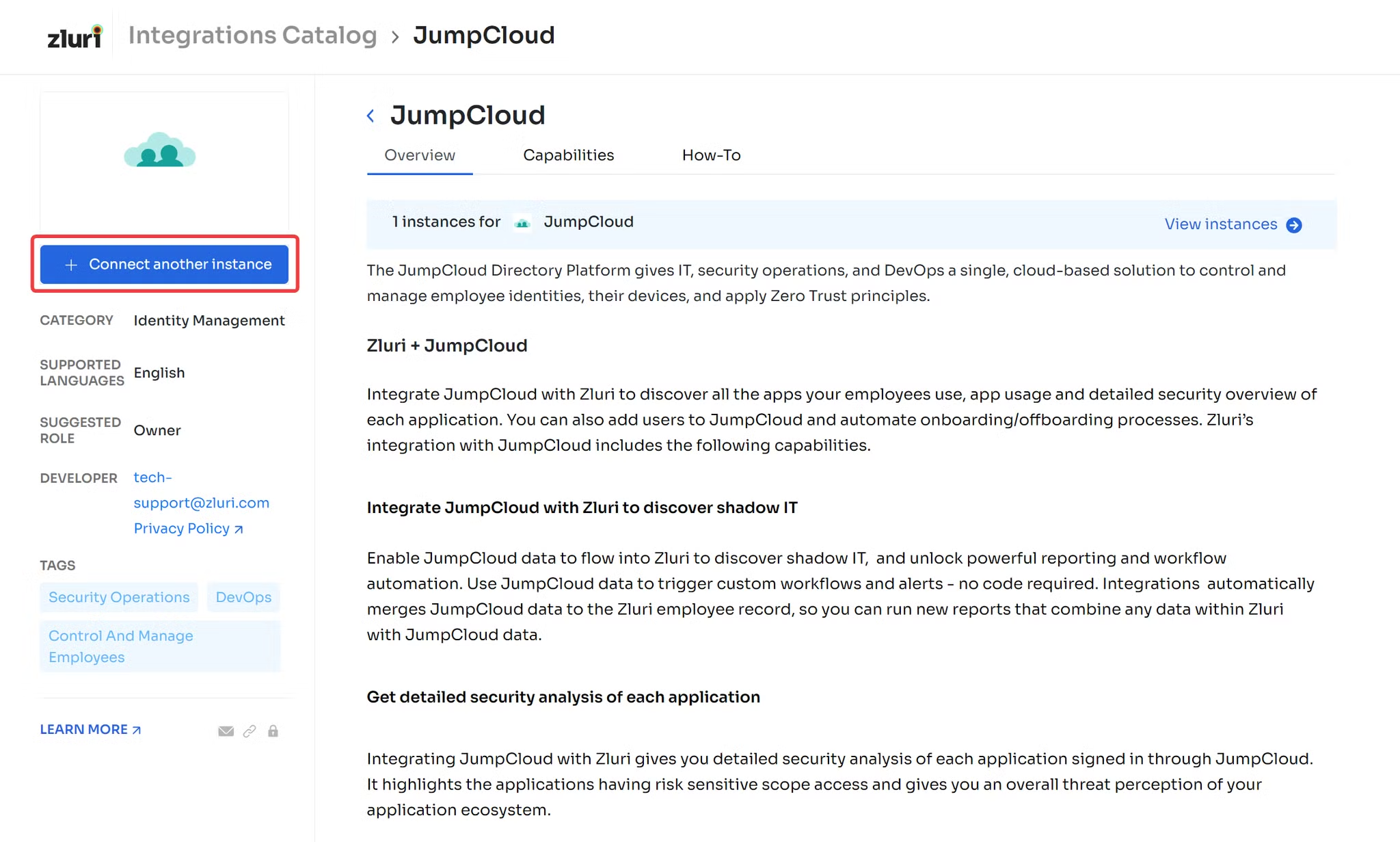
2. Click ➕ **Connect another instance**.
3. Select **Add Instance Anyway** when prompted, and follow the regular integration steps.
Got questions? Feel free to [submit a ticket](https://support.zluri.com/support/tickets/new) or contact us directly at .