
Connect
Use this guide to create a developer client in Domo and connect it to Zluri using a Client ID and Secret.
Prerequisites
- Access to developer.domo.com
- Admin login to your Domo instance
- Permission to create API clients
- Admin access to Zluri
Step 1: Open the Domo Developer Portal
-
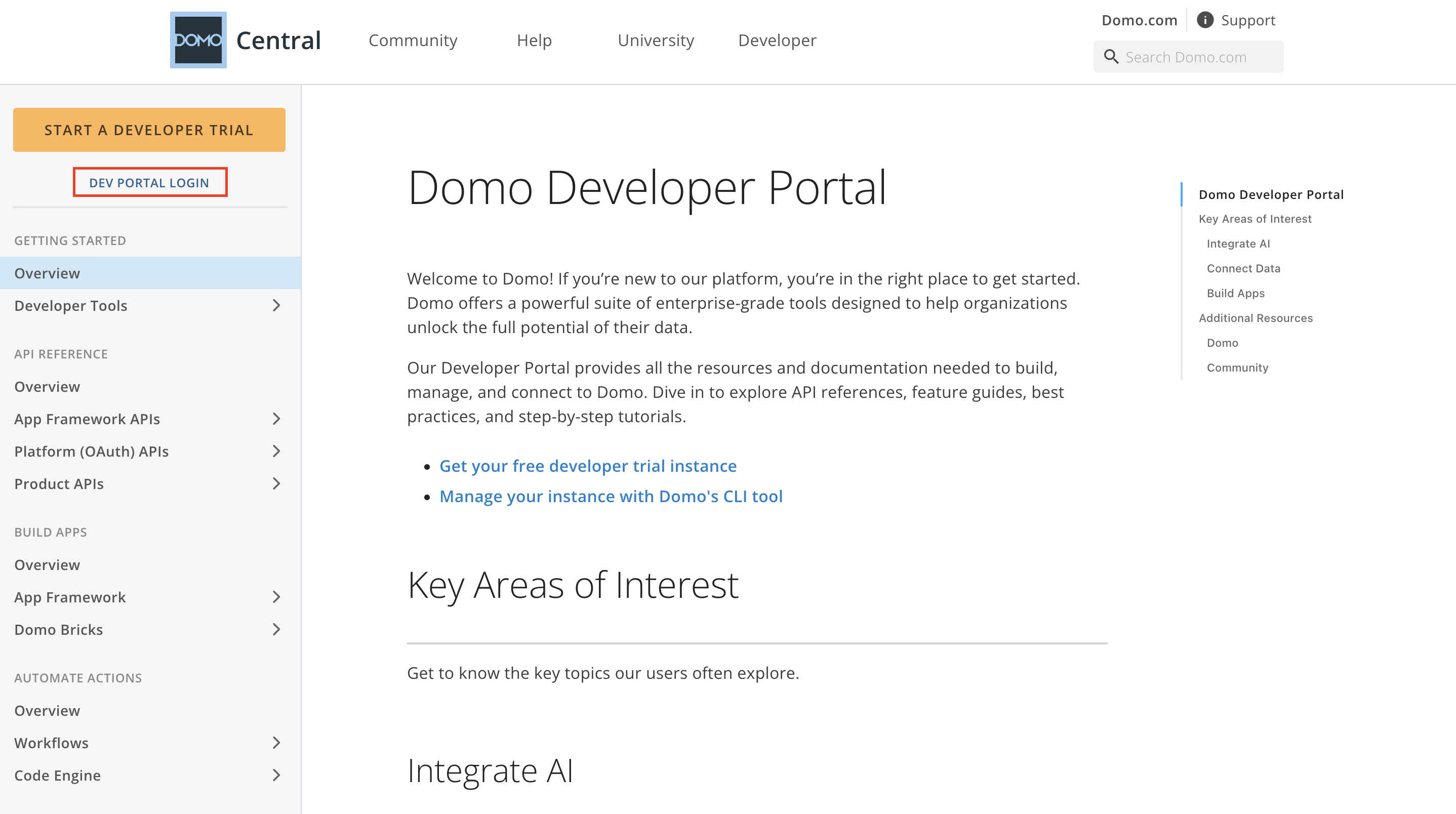
Click on Dev Portal Login
-
Enter your Domo subdomain (e.g.,
yourcompany.domo.com) and click **Continue`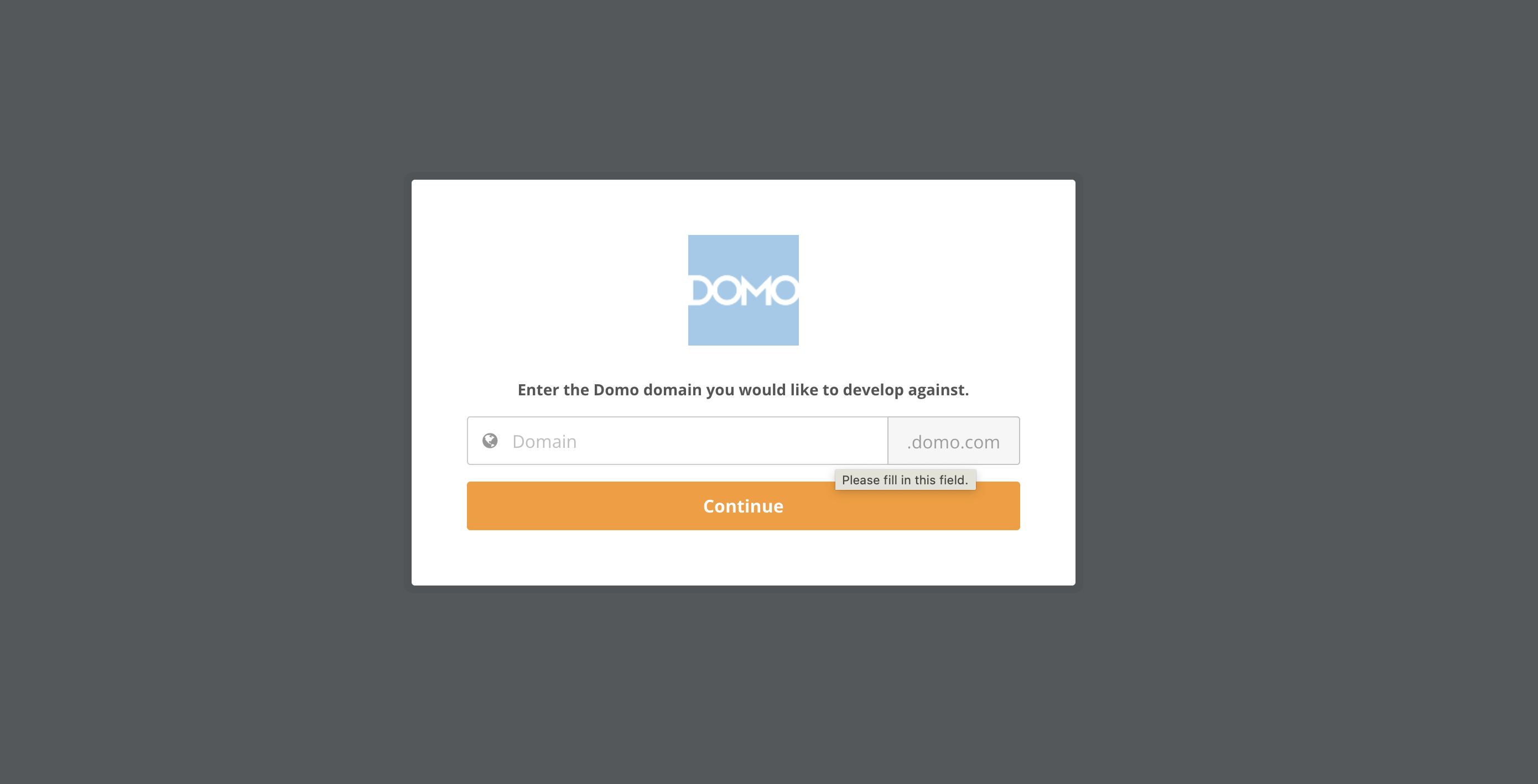
Step 2: Create a New Client
-
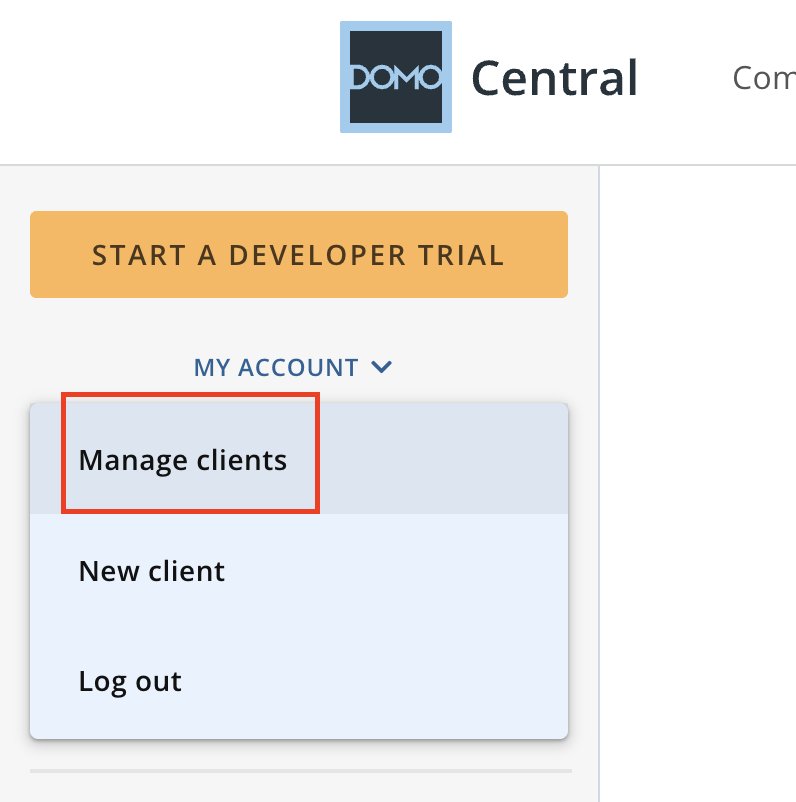
Navigate to Manage Clients
-
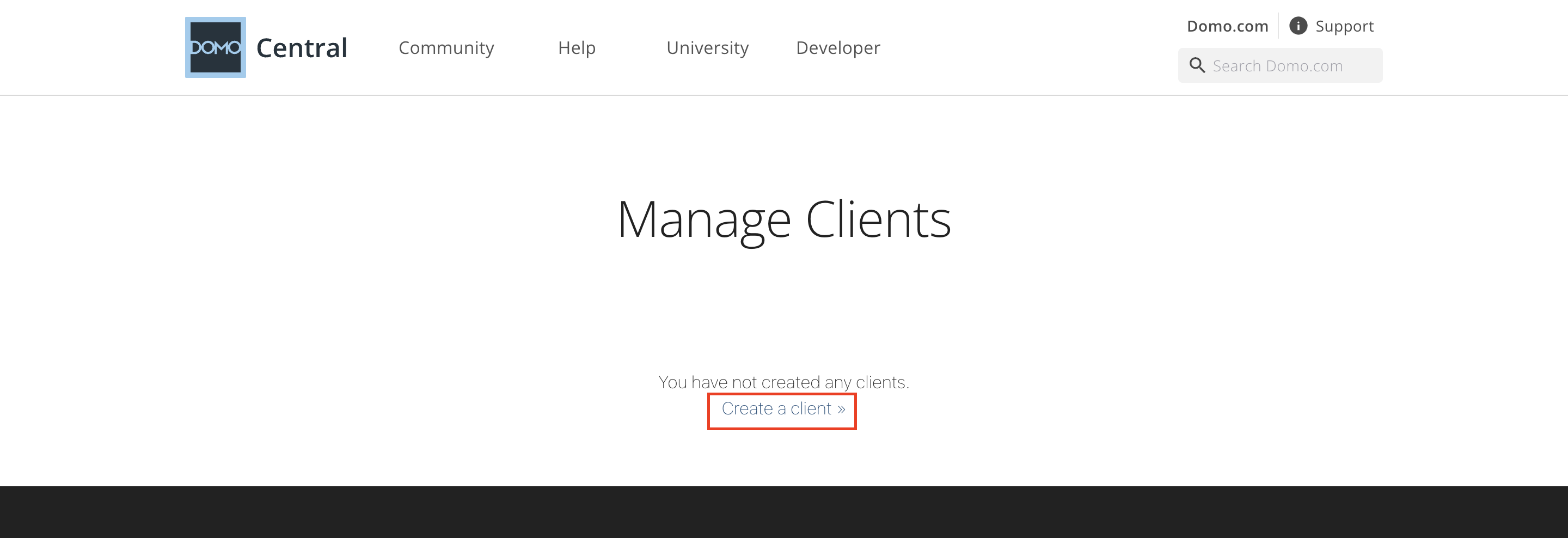
Click Create a client or go to developer.domo.com/new-client
- Fill in the following:
- Name:
Zluri Integration - Description: (optional)
- Application Scope:
- Audit
- Data
- User
- Name:
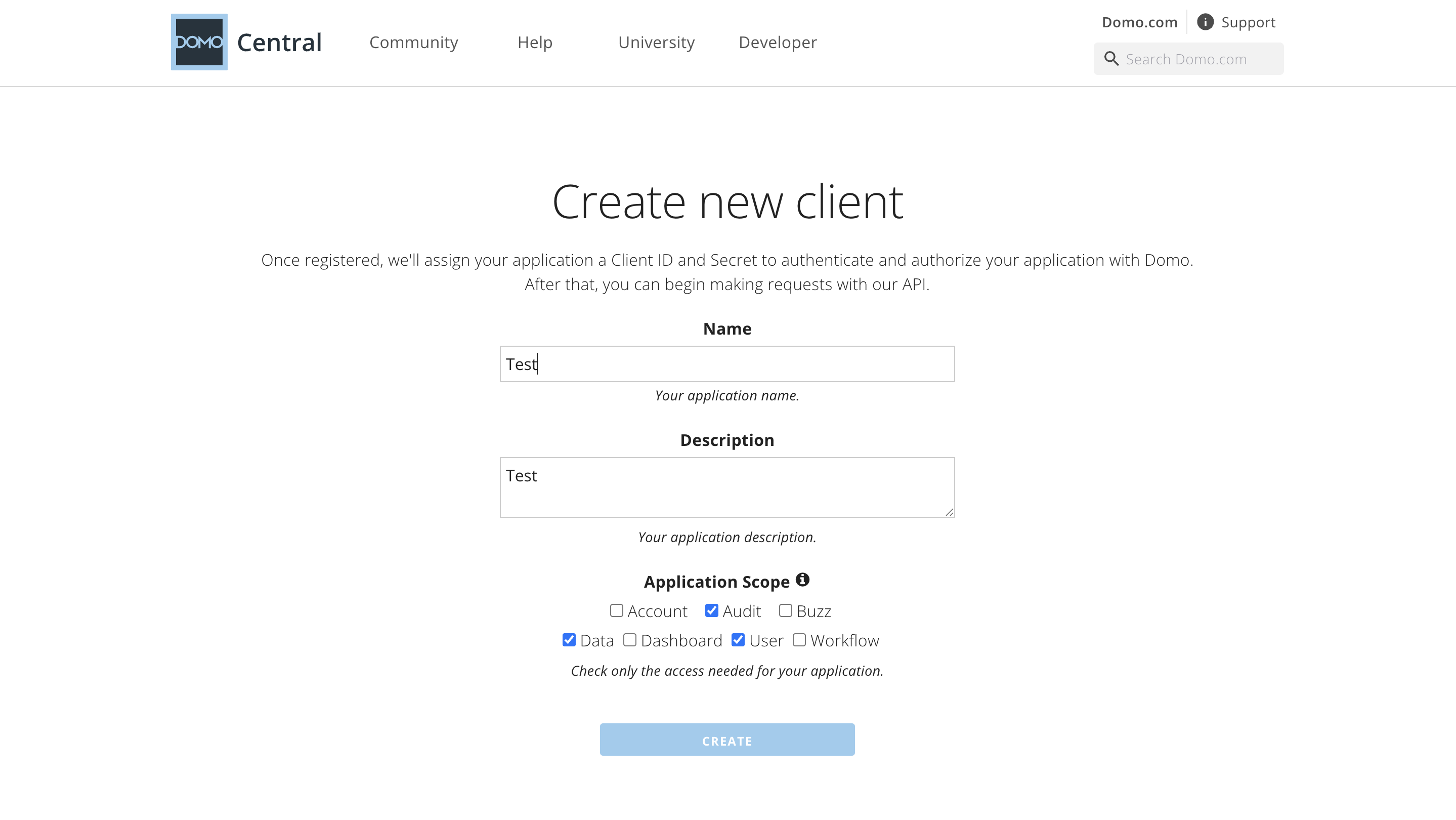
- Click Create
Step 3: Copy Credentials
- After the client is created, copy the following:
- Client ID
- Client Secret
- Scopes (e.g.,
data, audit, user)
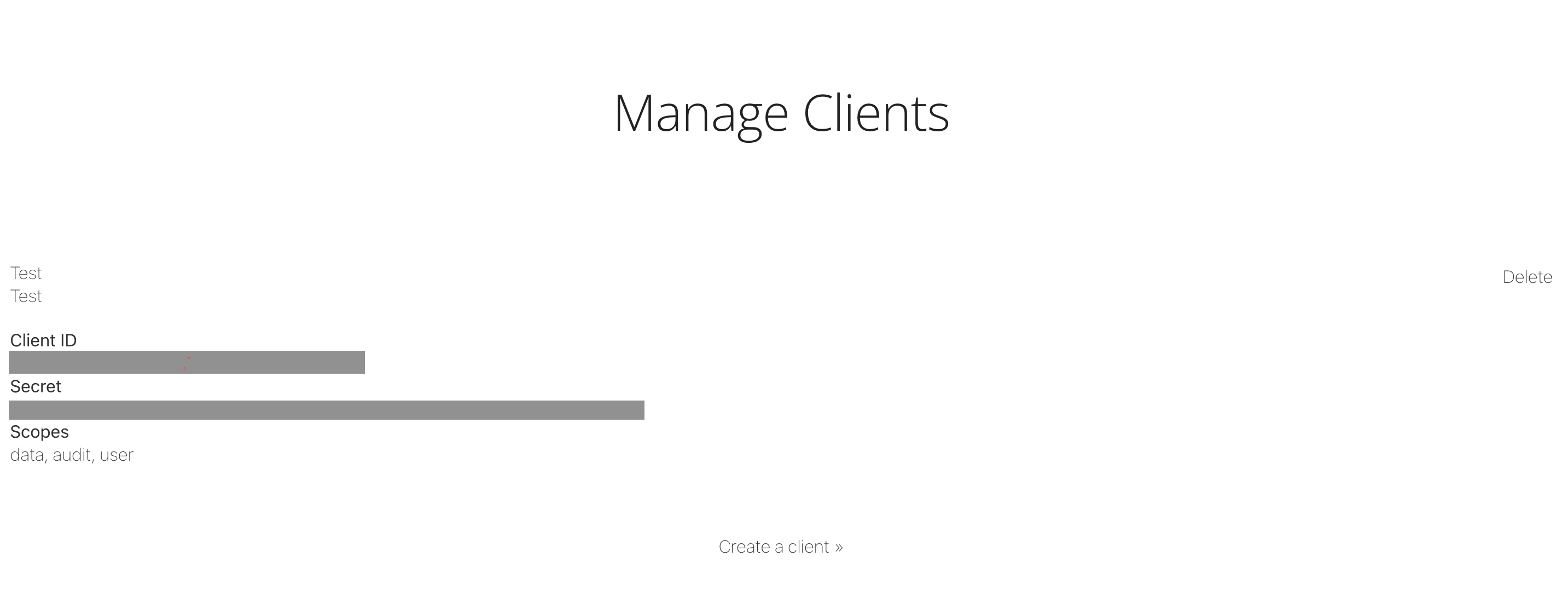
- Save these credentials securely for use in Zluri
Step 4: Connect in Zluri
- In Zluri, go to the Domo integration
- Click Connect Integration
- Enter:
- Client ID
- Client Secret
- Domo Domain (e.g.,
yourcompany.domo.com)
- Click Connect
Got questions? Feel free to submit a ticket or contact us directly at [email protected].
Updated 10 months ago
Did this page help you?