
Access Request Settings
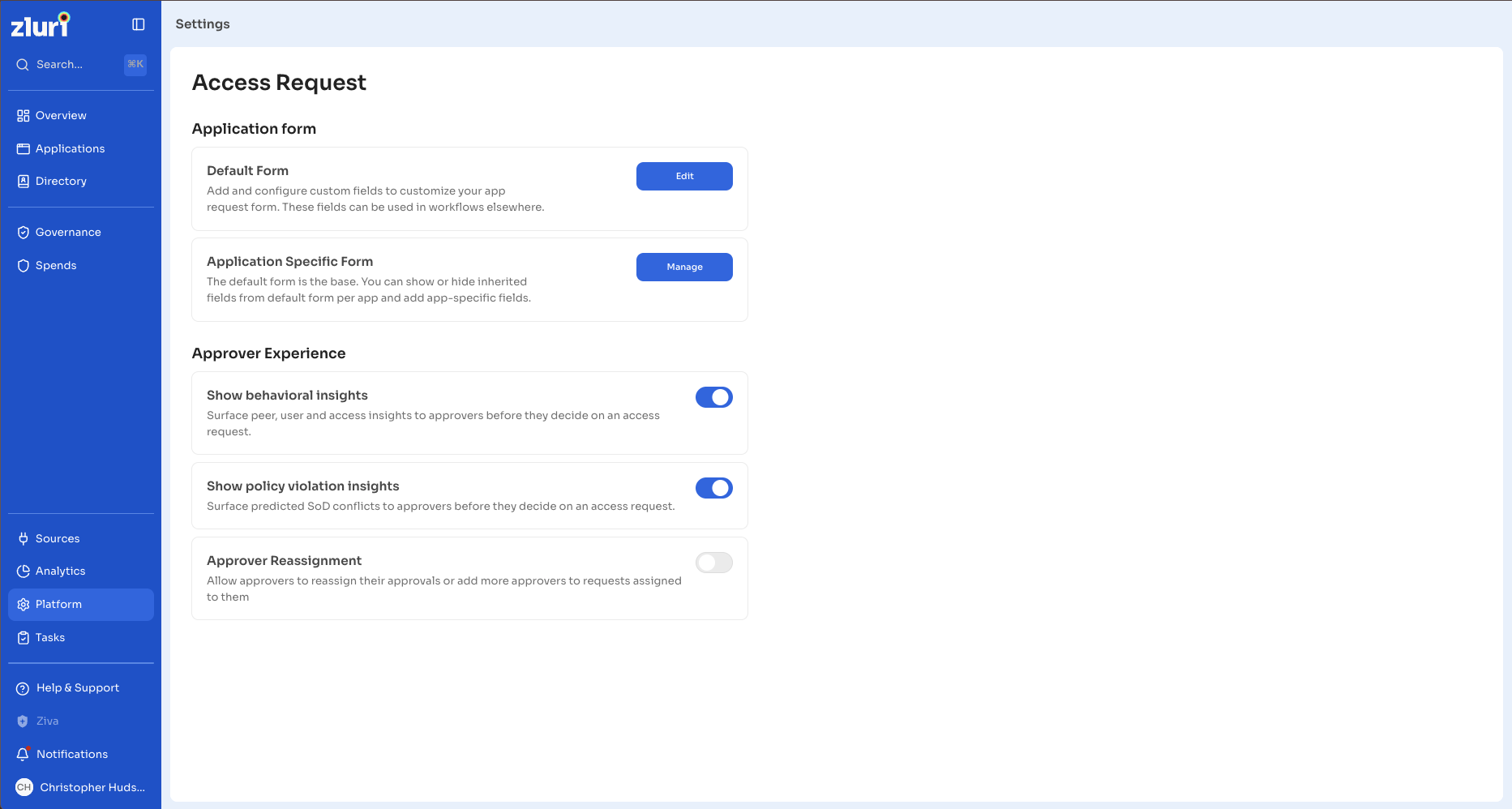
The Access Request settings page is where admins configure the access request experience for the organization. From one page, you control the request form that employees fill out and the tools approvers see when they review a request.
Path: Platform → Access Request
Steps
- In the left navigation, select Platform.
- Select Access Request.
The page has two sections: Application form and Approver Experience.
Application Form
The Application form section controls the fields employees see when they raise an access request.
Default Form
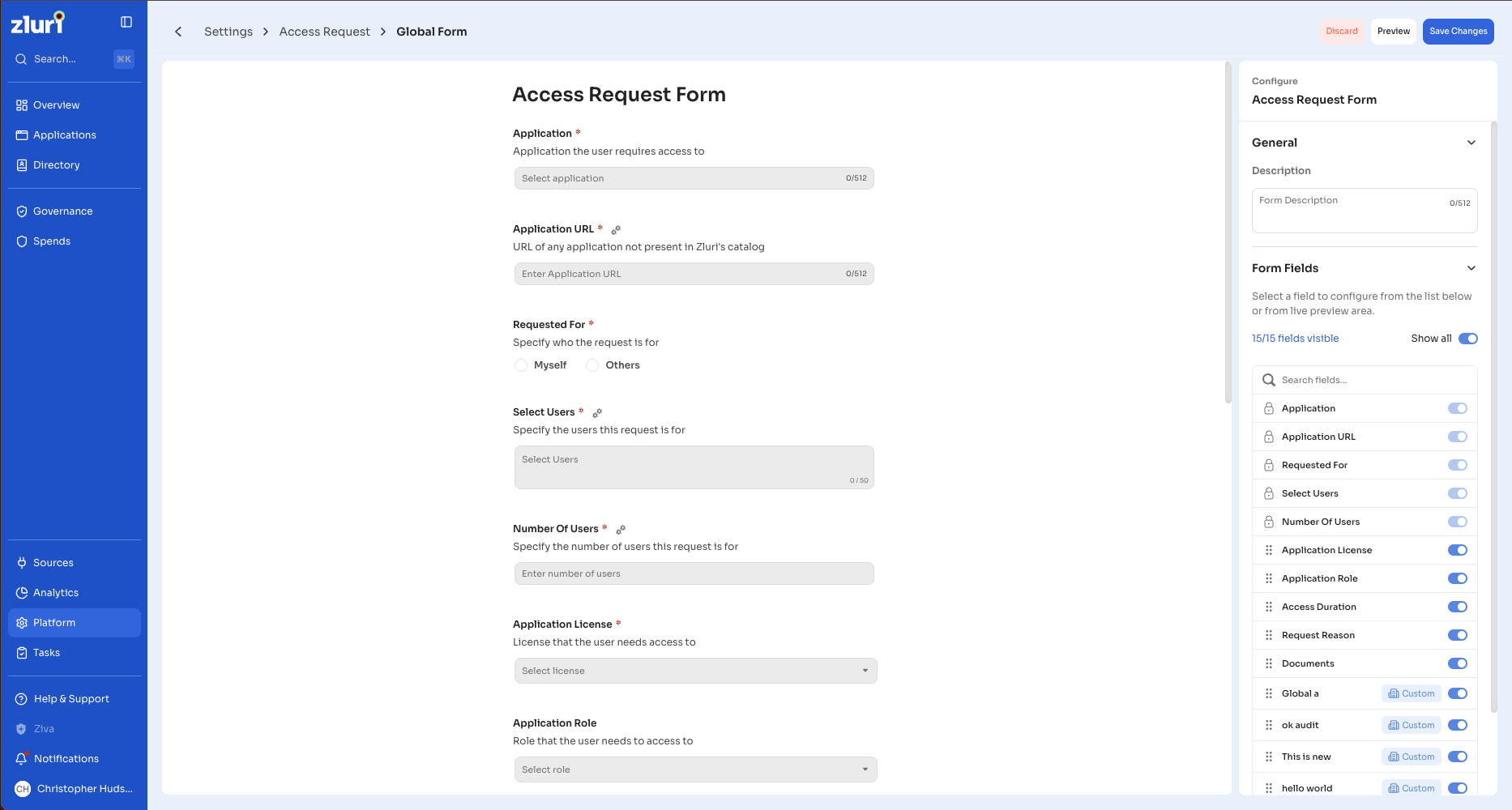
The default form applies to every application that does not have its own form. Select Edit to add and configure the form fields on the app request form.
- Add, reorder, hide, or delete fields.
- Set a field as mandatory or optional.
- Edit a field's description, placeholder text, and helper text.
- Preview the form as an employee sees it before you save.
Application Specific Form
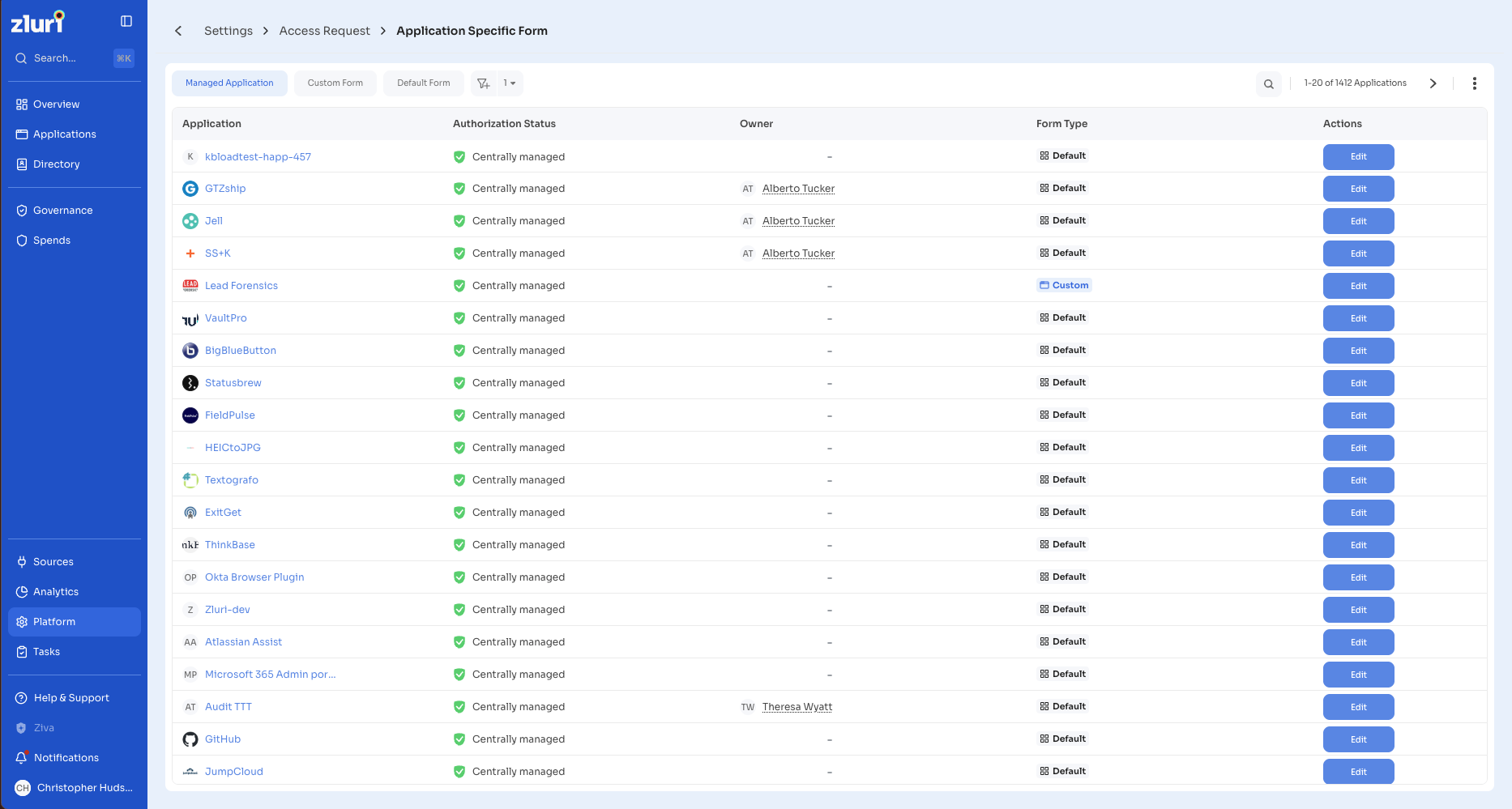
The default form is the base. An application-specific form lets you tailor the form for a single application. Select Manage and click on Edit button for an application to show or hide fields inherited from the default form for that app, and to add fields specific to it.
- Show or hide inherited default-form fields for the chosen app.
- Add fields that apply only to that app.
- Renaming a field, or editing its description, placeholder, or helper text on the default form updates that field everywhere it appears, including app-specific forms that use it unchanged.
- Adding, removing, reordering, or changing whether a field is required on the default form applies only to apps that still use the default form. Apps with their own form keep their current setup.
Approver Experience
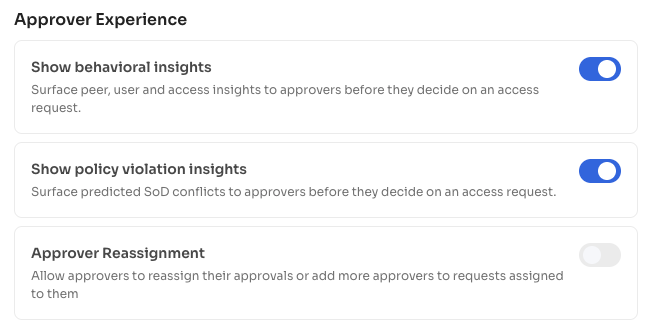
The Approver Experience section controls what approvers can see and do while they review a request. Each item is a toggle.
Show Behavioral Insights
Turn this on to surface peer, user, and access insights to approvers before they decide on an access request. These insights help an approver judge whether the access is typical for the requester.
Show Policy Violation Insights
Turn this on to surface predicted Segregation of Duties (SoD) conflicts to approvers before they decide on an access request. This setting is independent of behavioral insights.
Approver Reassignment
Turn this on to allow approvers to reassign their approvals or add more approvers to requests assigned to them. When it is on, the approver a request is waiting on can reassign the request to someone else, or approve their stage and add another approver at the next level, from the request itself. When it is off, those actions are not shown to approvers.
This setting is off by default.
Who Can Manage These Settings
Only admins with the Access Requests settings permission can view and change these settings. Changes take effect for new requests and new actions right away.
Updated 26 days ago