
Platform Language Setup
The platform supports user-level language preferences. Users can update the language used across the platform interface. The platform applies the selected language only to static UI elements and does not apply it to input fields or dynamic content.
Who Can Change the Platform Language
The following conditions apply to platform language updates:
- Any user can change the platform language for their own account.
- Language preferences apply at the individual user level.
- The platform does not support enforcing a single default language across a workspace.
Update Platform Language
The platform language can be updated using the following steps:
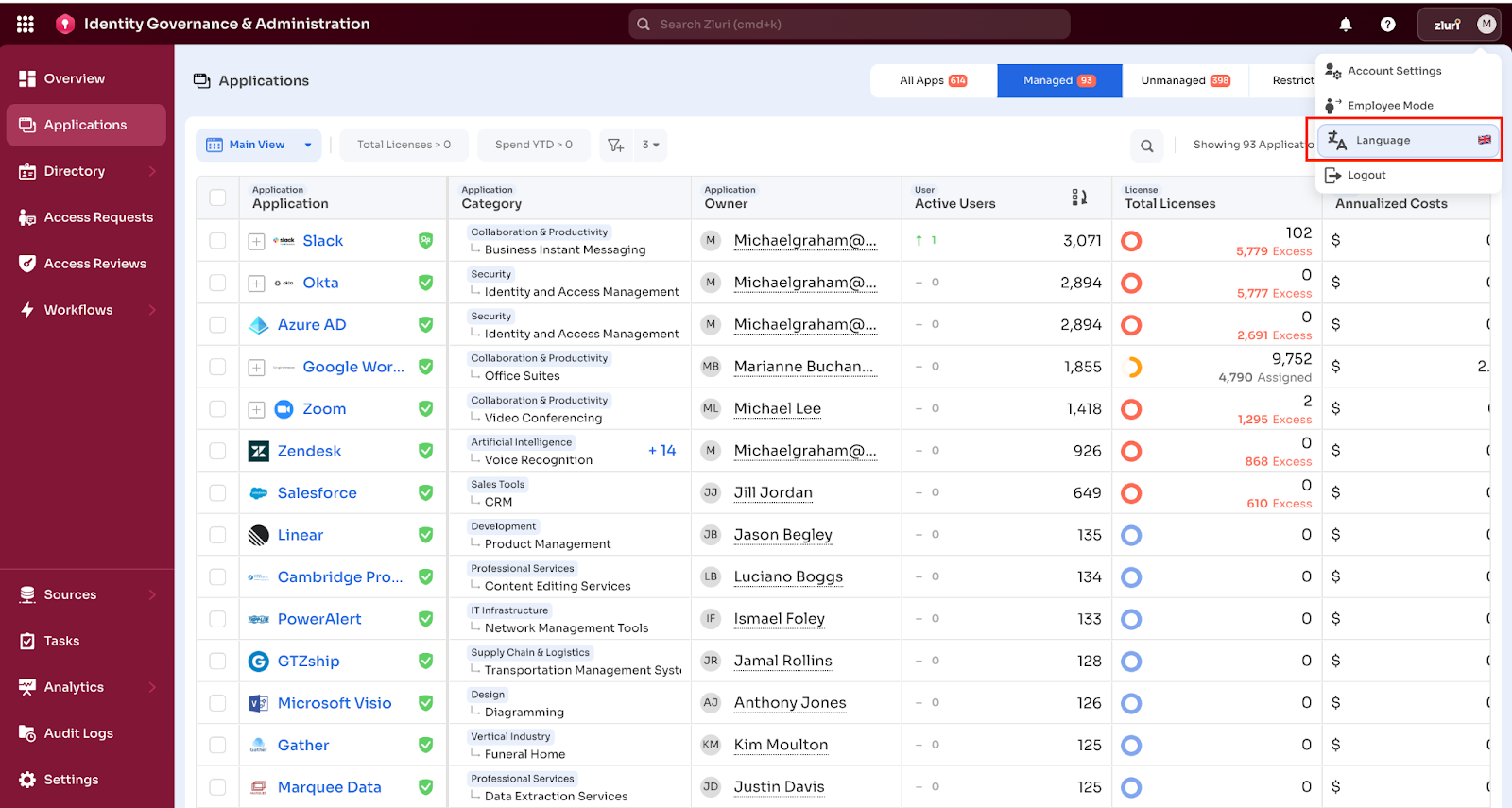
- Open the profile icon in the top-right corner of the platform.
- Select Profile Settings.
- Locate the Language dropdown.
- Select a language from the available options.
- Reload the page to apply the change.
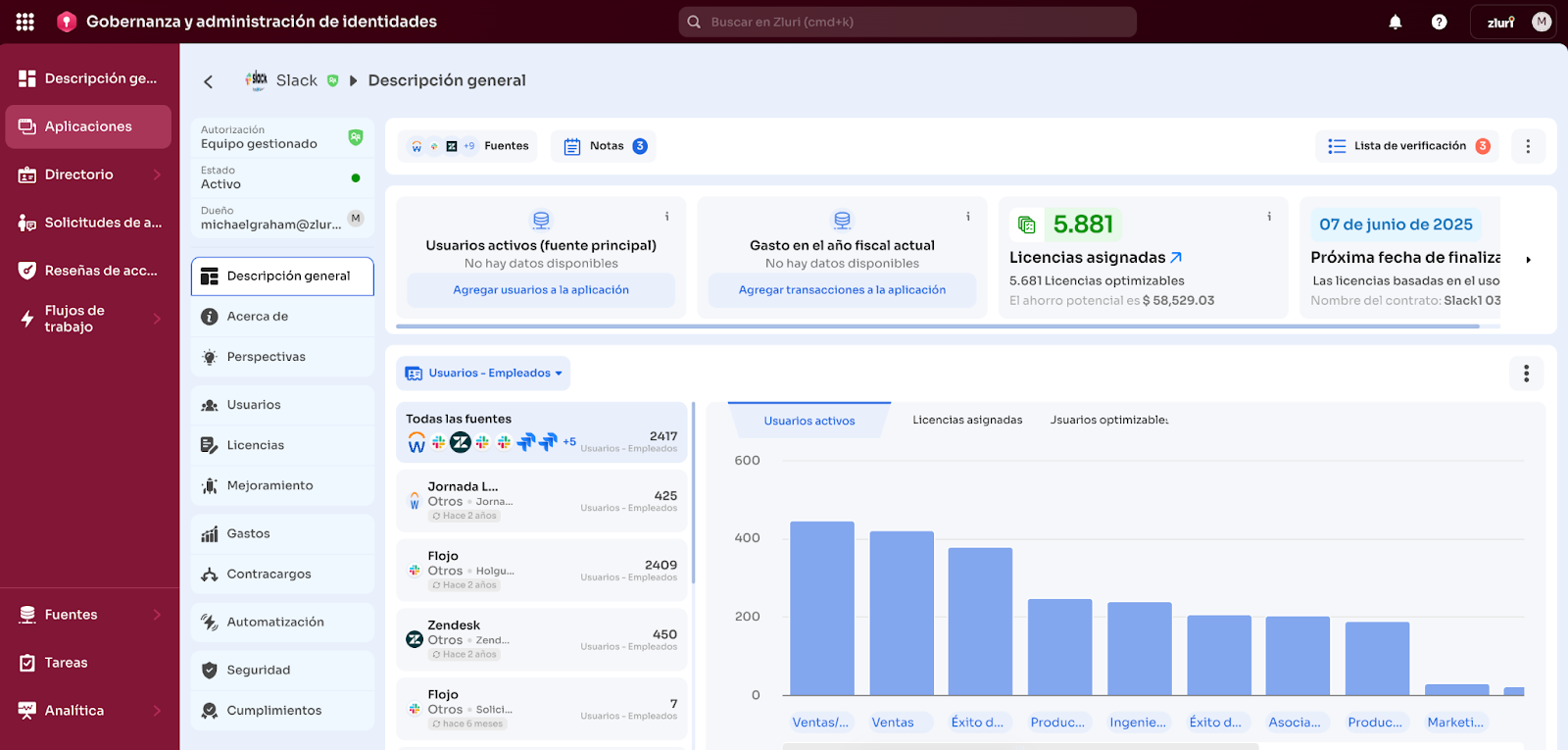
After the page reloads, the platform displays the interface in the selected language.
Supported Platform Languages
The platform uses English (US) as the default language. The following platform languages are supported:
- English (US). Default
- French
- Spanish
- Portuguese
The platform applies language changes immediately after selection.
Switching Languages
The platform supports language switching at any time through the Language dropdown in Profile Settings. The platform updates the interface when it applies the selected language.
Login Behavior
In some cases, the platform may require a logout and subsequent login to fully apply the language change.
The following behavior applies:
- The platform assigns English (US) as the default language at first login.
- The platform applies the previously selected language automatically on subsequent logins.
- If the platform does not reflect the language change as expected, reselection of the language and a page refresh or re-login may be required.
Limitations
Changing the platform language does not translate the following content:
- Exported data
- User-generated content
- Message content within the platform
The platform translates only the platform interface (UI). Language preferences apply only to the individual user account and do not affect other users.
Updated 10 months ago