
Connect KnowBe4
This guide provides the steps to connect a KnowBe4 account to Zluri.
Prerequisites
- Administrator access to the KnowBe4 account.
Step 1: Login and Enable Reporting API Access
-
Log in to the KnowBe4 account.
-
Select the email address at the top-right corner and select Account Settings.
-
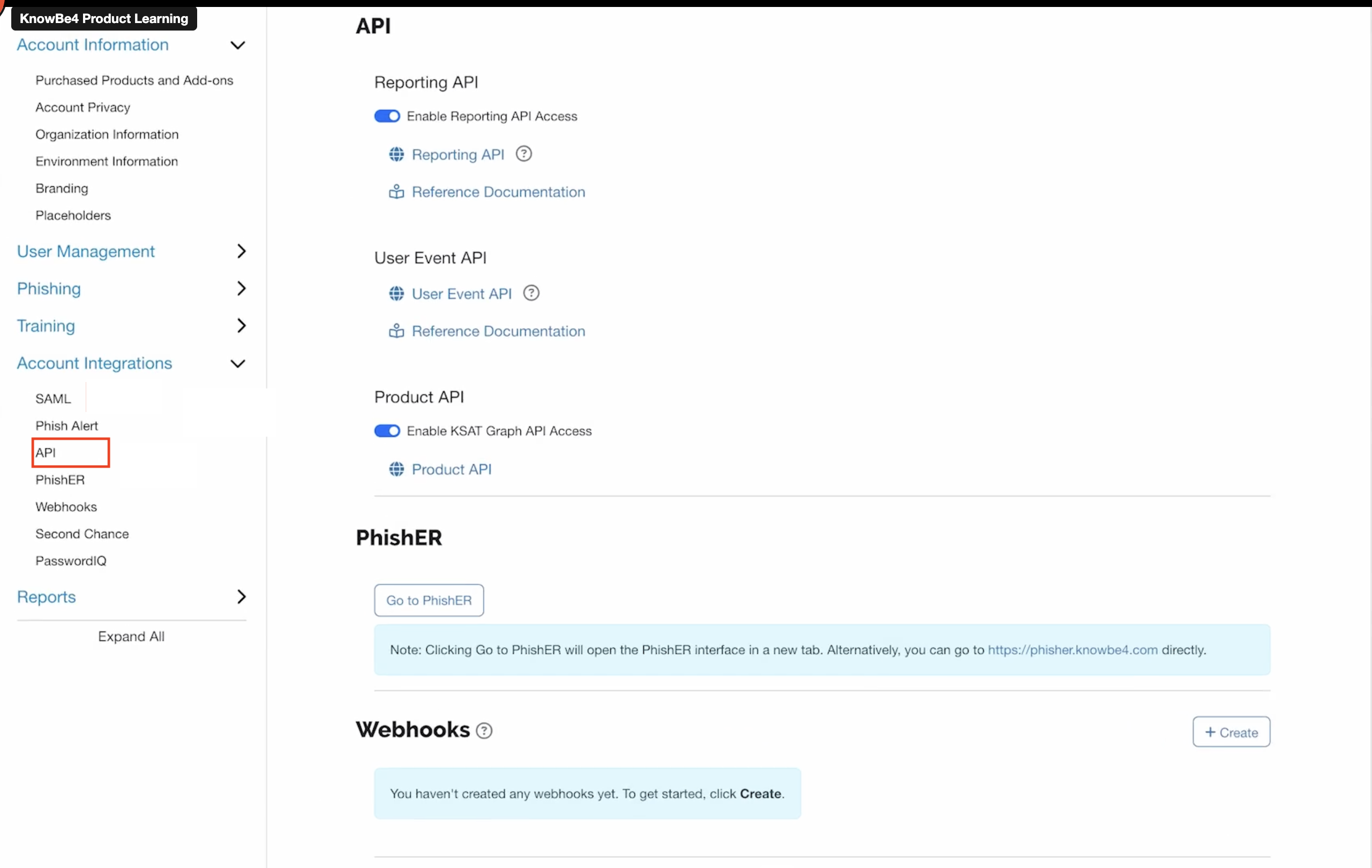
Navigate to Account Integrations → API.
-
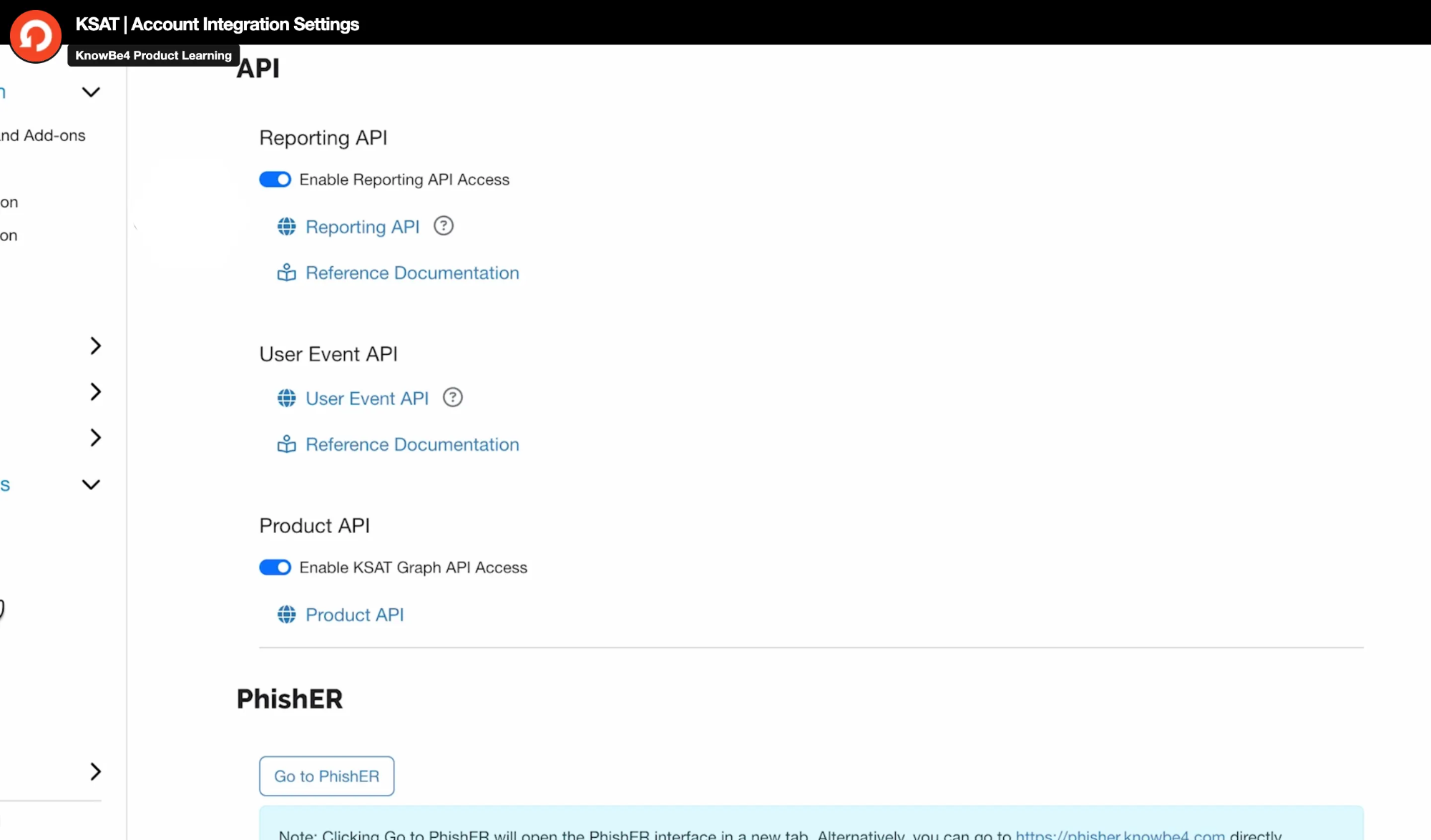
Under Reporting API, enable the Enable Report API Access toggle.
Step 2: Generate a Reporting API Token
-
Select Reporting API, its tab opens.
-
At the top-right corner, select + Create New API Token.

-
Configure the API token:
- Name: Enter a descriptive name for the API token (for example, "Zluri Integration").
- Status: Enable the API token.
-
Select Create Token.

-
The Reporting API token pop-up window opens. Copy the Reporting API token and store it securely. The token cannot be viewed again after closing this window.
-
Select OK.

Step 3: Begin the Integration in Zluri
-
Log in to the Zluri dashboard.
-
Open the Integrations Catalog.
-
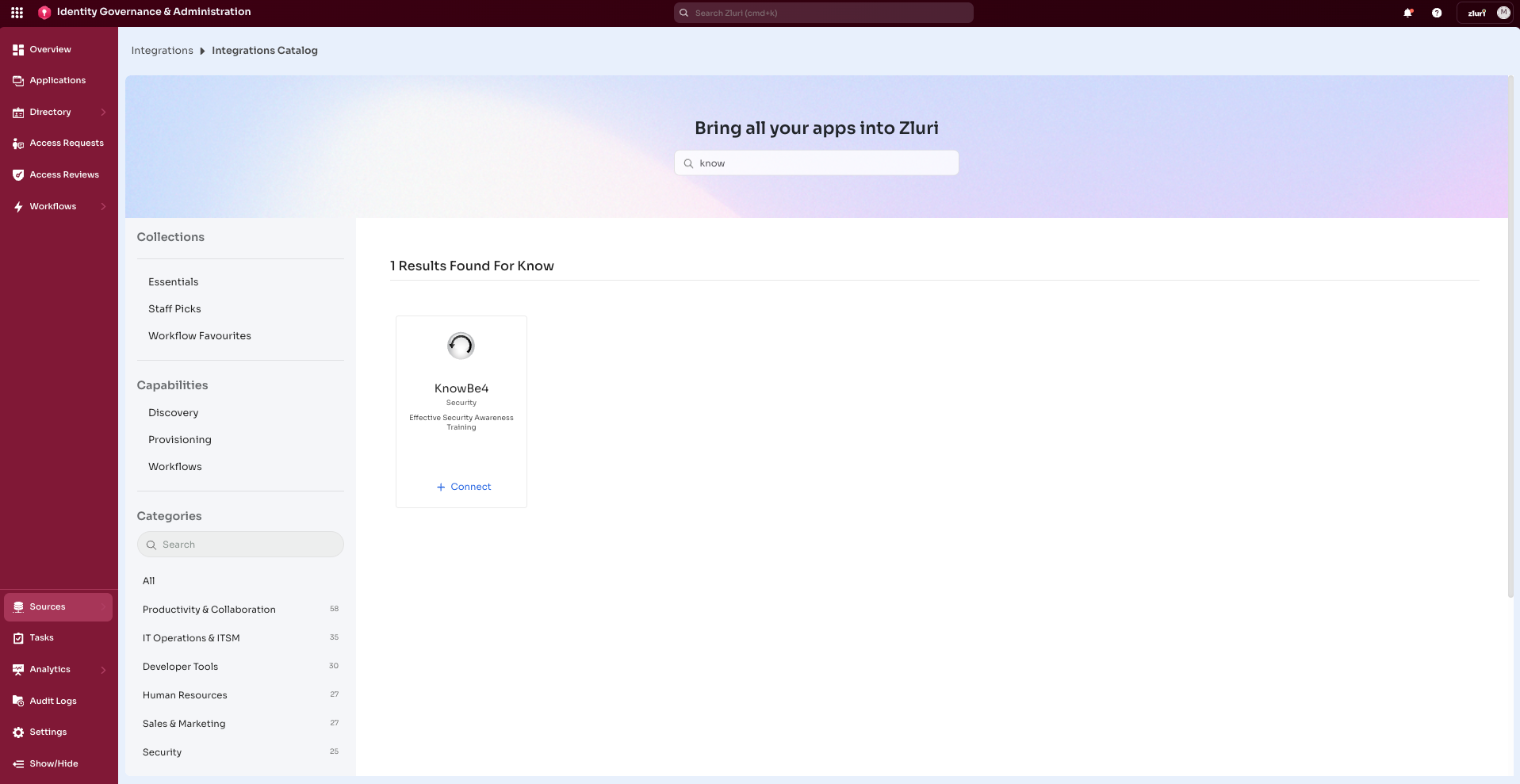
Search for KnowBe4 and open the KnowBe4 Integration page.
-
Select Connect or Connect another instance if an existing connection is already configured.
Step 4: Authorize the Connection
Authorization Options
Self-Authorization
- Proceed directly to complete authorization.
Co-worker Authorization
-
Enter a co-worker's details to share the access request.
-
Zluri sends an invite email or link containing a unique Connect Code.
-
The co-worker can use the code to approve and complete the connection setup.
-
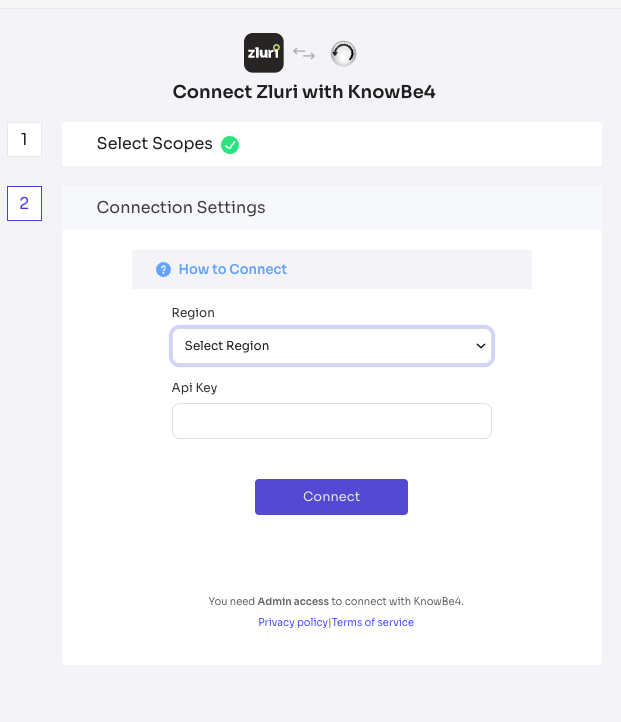
Depending on the authorization method (Connect it myself or Send to a Co-worker), enter the necessary credentials.
-
Paste the generated API token value (generated in Step 2) into the Api Key field in Zluri.
-
Determine the Account Region. Identify the KnowBe4 server region based on the account URL:
- US Server:
training.knowbe4.com→ Region value:us - EU Server:
eu.knowbe4.com→ Region value:eu - CA Server:
ca.knowbe4.com→ Region value:ca
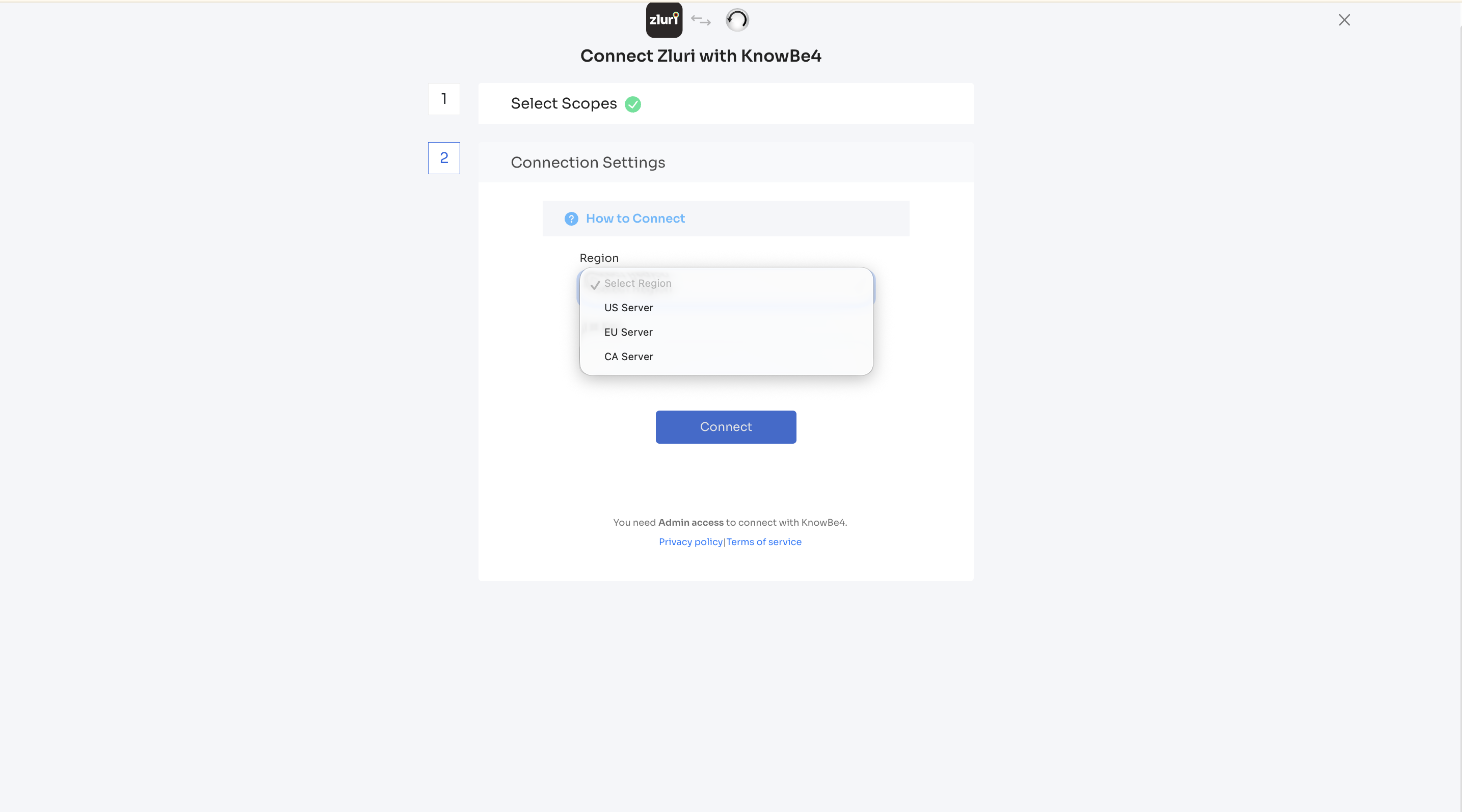
- US Server:
-
Select Connect to complete the integration.
-
Once the authorization is successful, Zluri saves the connection instance. Multiple instances can be connected, each with customized scopes.
Integration Complete
Zluri is now successfully connected to KnowBe4 and will begin syncing data automatically.
Got questions? Feel free to submit a ticket or contact us directly at [email protected].
Updated 6 months ago