
Transactions
A transaction in Zluri is a single spend record, for example a card charge or an invoice line item, tied to a specific date, amount, and payment method. Zluri ingests transactions in two ways: automatically through a connected finance or ERP system, or manually through a CSV upload or direct entry.
Once ingested, every transaction lands in one of two states:
- Recognized — Zluri has matched the transaction to an application in your inventory. Recognized transactions feed directly into your spend reporting and cost tracking.
- Unrecognized — Zluri could not match the transaction to an application. These transactions need manual review before they contribute to accurate spend data.
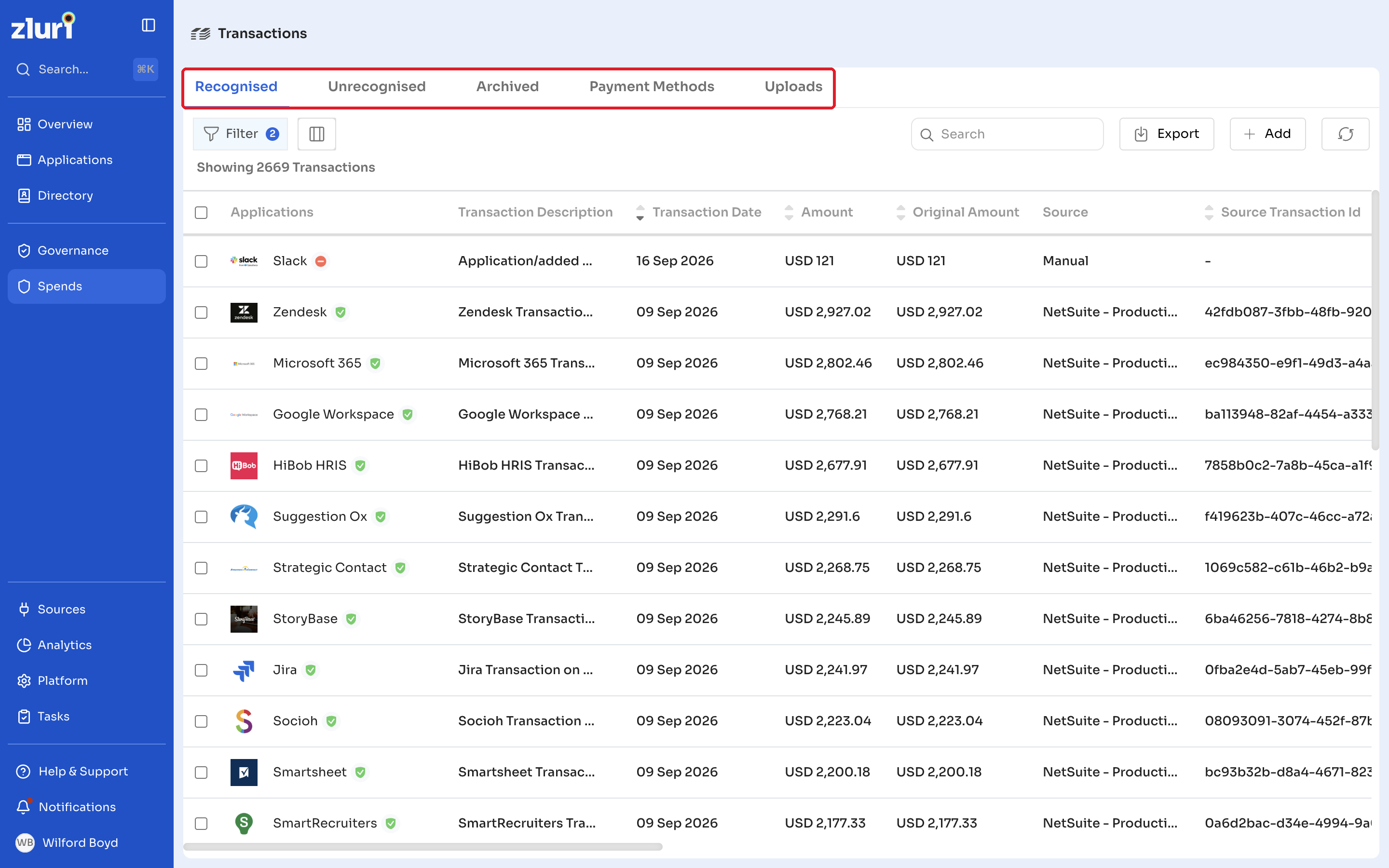
You can also archive transactions you no longer need in active view, review the payment methods behind your transactions, and check the history of every file you have uploaded manually.
In this section
- Recognized Transactions — review transactions Zluri has matched automatically, and see the full set of details Zluri captures for each one.
- Unrecognized Transactions — review unmatched transactions and map them to the correct application.
- Archived Transactions — find transactions that have been archived, manually or through an automation rule.
- Payment Methods — manage the credit cards, bank accounts, and other payment options linked to your transactions.
- Uploads — track every CSV file uploaded for manual transaction entry, including how many transactions from each file were recognized or unrecognized.
- Currency Conversion — understand how Zluri converts transaction amounts recorded in different currencies.
- Filters — narrow the transactions list using the available filter options.
Got questions? Feel free to submit a ticket or contact us directly at [email protected].
Updated 12 days ago
Did this page help you?