Connect

This guide provides the steps to connect a Frame.io account to Zluri

Frame.io authenticates through Adobe Identity Management (IMS) using OAuth 2.0. Connecting Frame.io to Zluri therefore requires creating an OAuth credential in the Adobe Developer Console and pasting the Client ID and Client Secret into Zluri.

Before you start

You will need all three of the following. Missing any one of them is the most common reason a connection succeeds but returns no users.

RequirementWhy it matters
A Frame.io login linked to an Adobe IDFrame.io V4 runs on Adobe identity. An unlinked account authenticates but is refused access to account data.
That login must be a Frame.io account owner or adminMembers and collaborators have no account-level access, so no users are returned.
Access to the Adobe Developer ConsoleNeeded to create the OAuth credential.

Part 1 — Create the OAuth credential in Adobe

Step 1. Confirm your Frame.io login is linked to an Adobe ID

Sign in to Frame.io and confirm the account is connected to an Adobe account. If it is not, link it before continuing — credentials created before linking will not work and must be regenerated afterwards.

Step 2. Create a project in the Adobe Developer Console

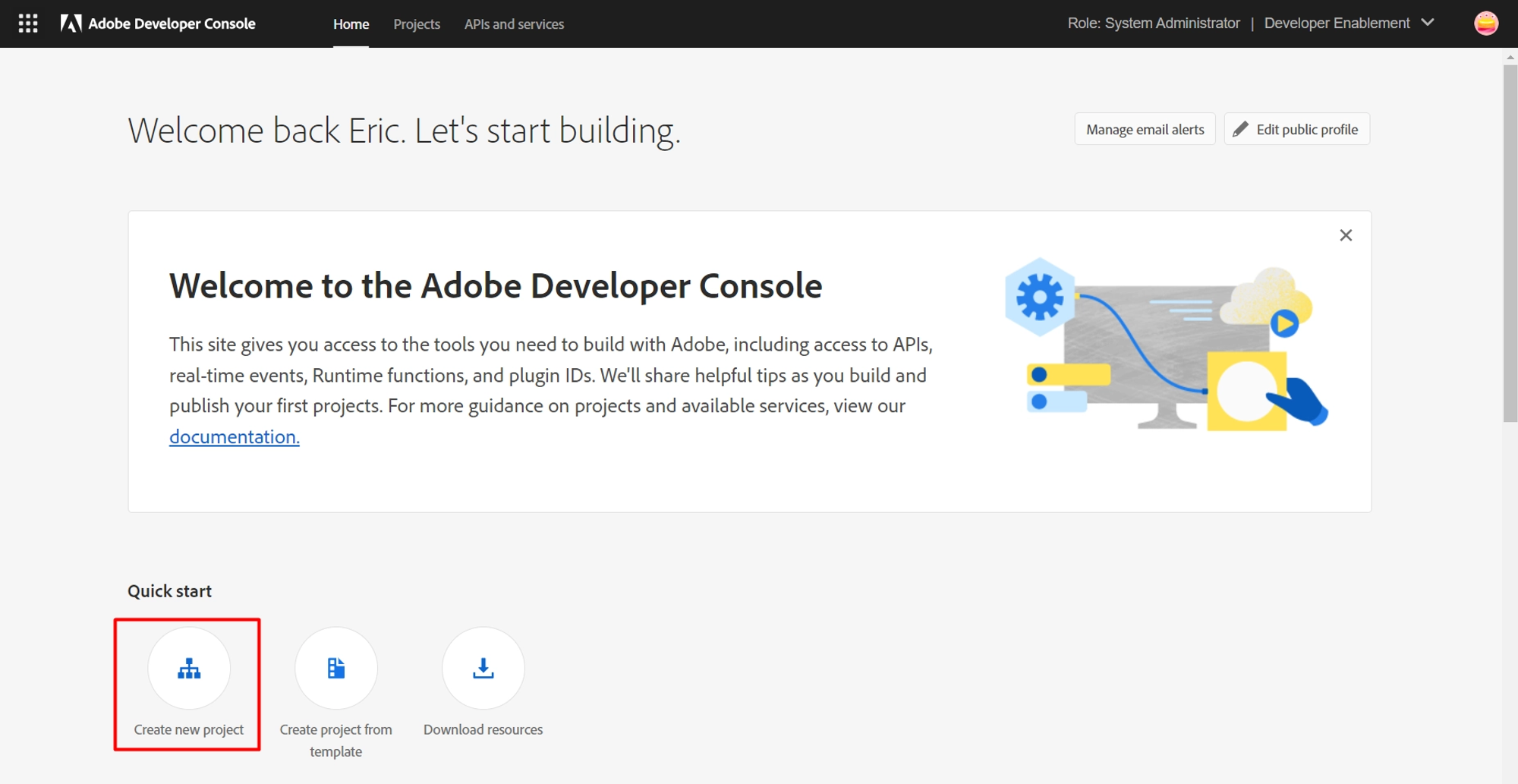
Go to https://developer.adobe.com/console and sign in with the Adobe ID from Step 1. Create a new project.

📸

Screenshot: Adobe Developer Console — "Create new project" button

Step 3. Add the Frame.io API to the project

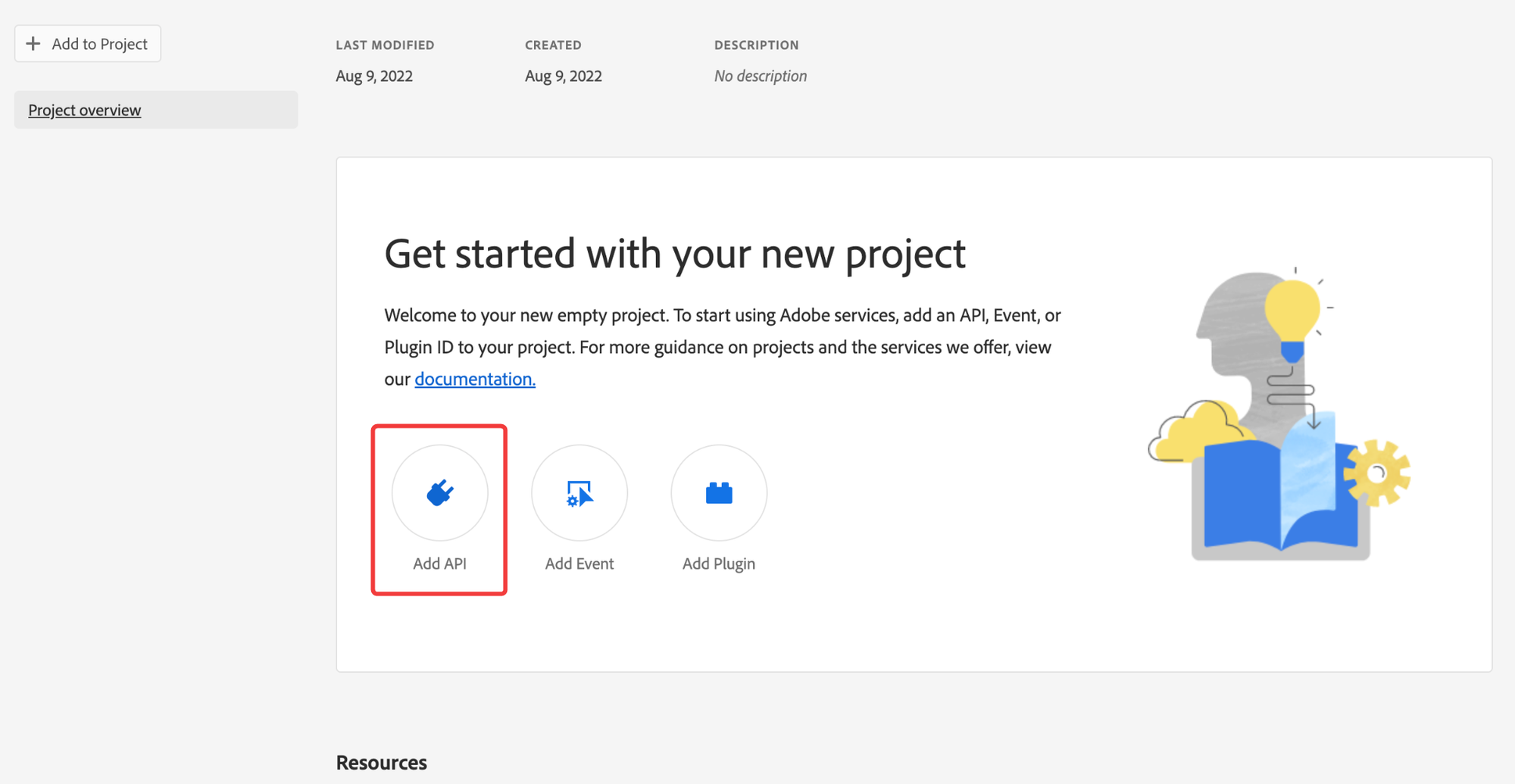
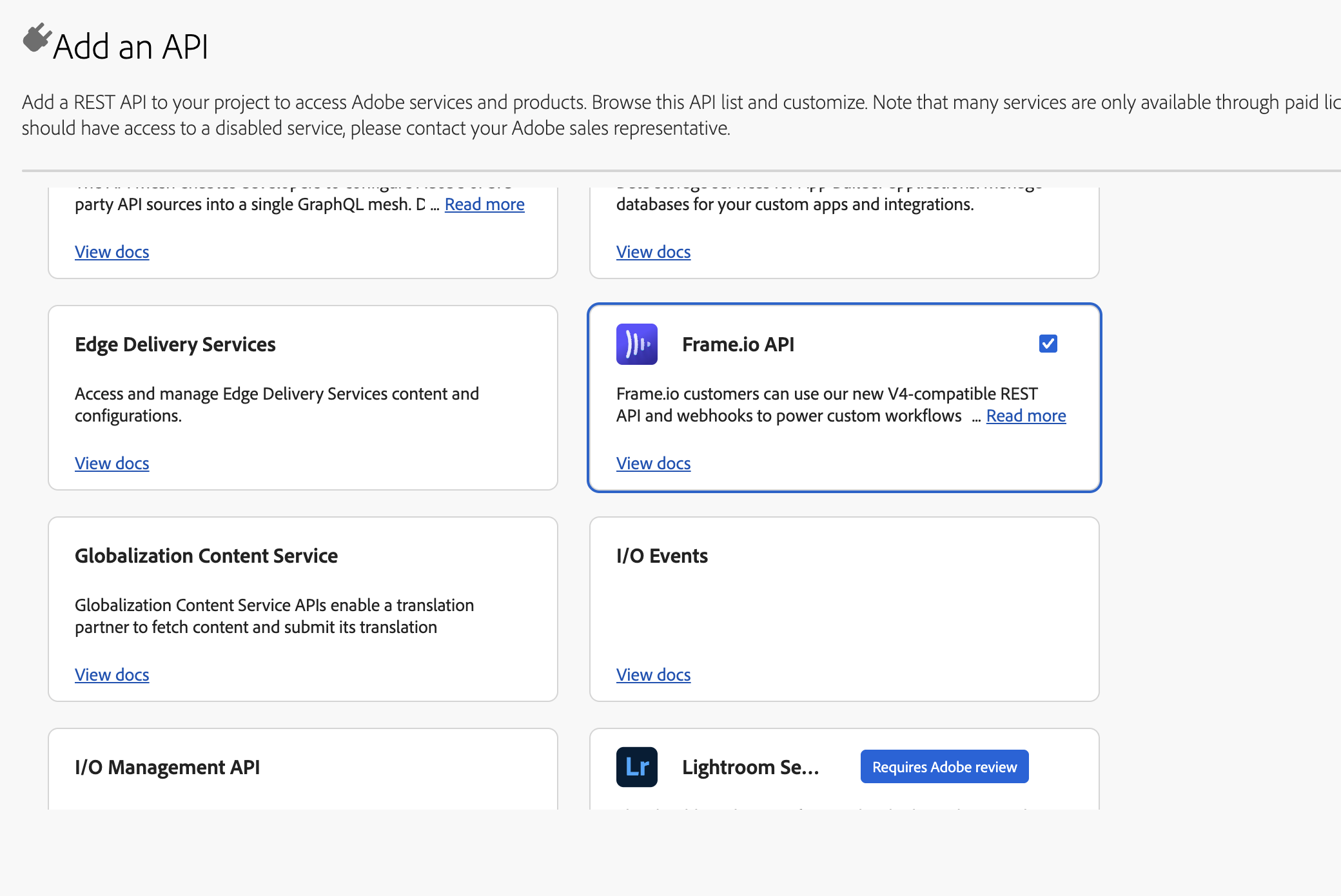
Click Add API, then select Frame.io from the list of available APIs


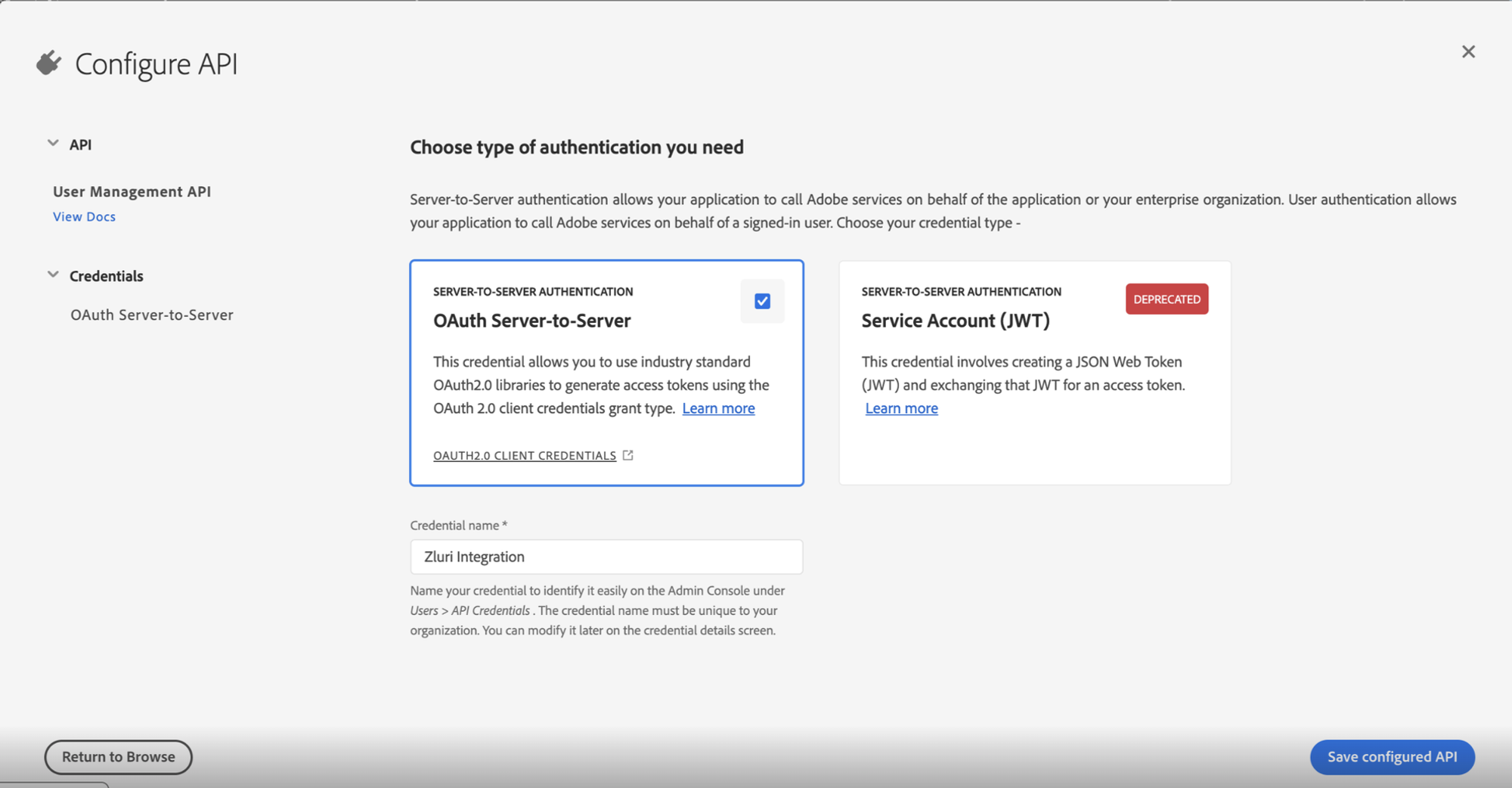
Step 4. Choose User Authentication, then OAuth Web App

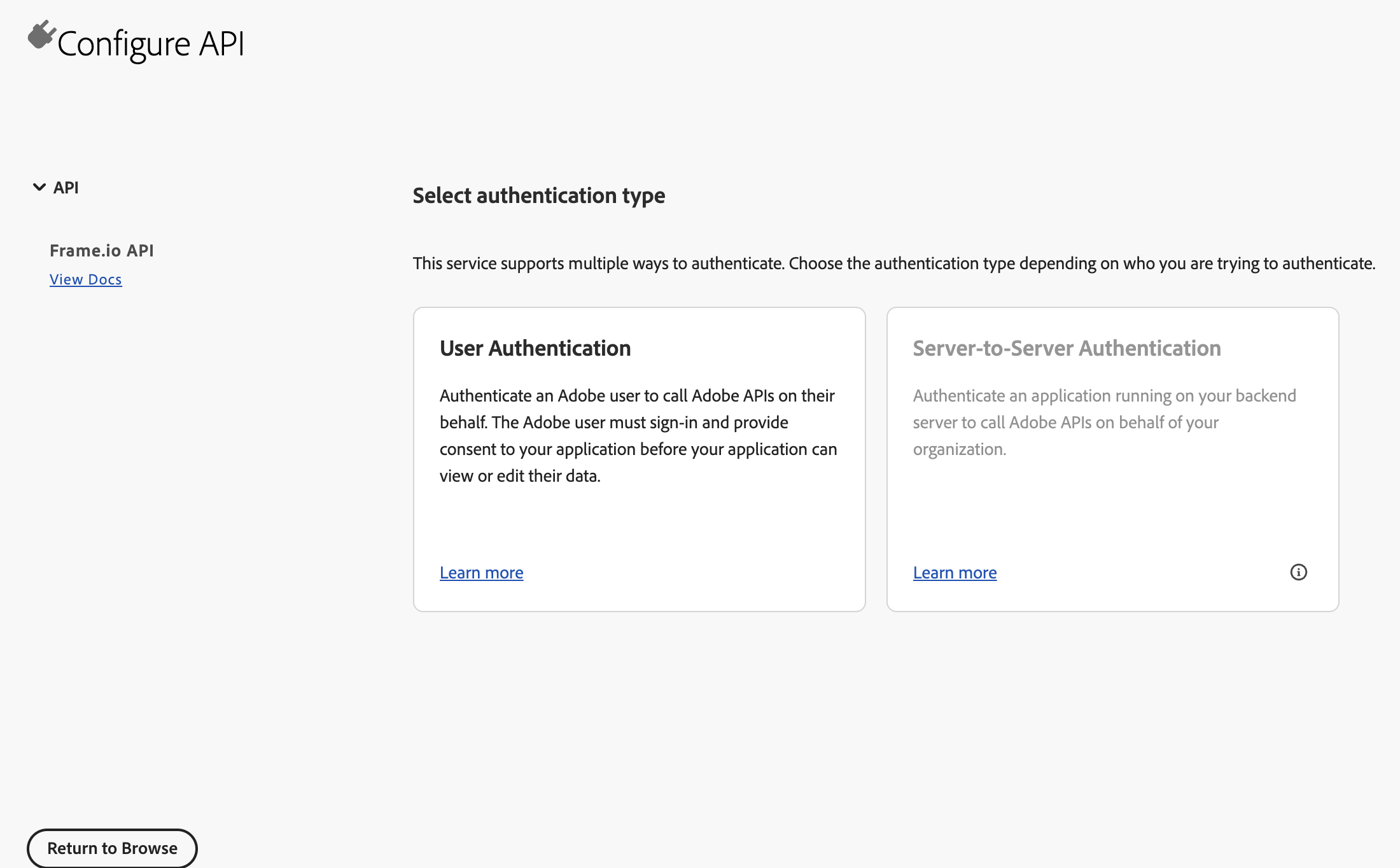
When prompted for an authentication type, select User Authentication (user-to-user) — not Server-to-Server. Then choose OAuth Web App as the application type.


Step 5. Add the redirect URI

Enter both values exactly as shown, all lowercase.

Default redirect URI

https://integrations.zluri.com/connect_callback/frame.io_integration

Redirect URI pattern

https://integrations\\.zluri\\.com/connect_callback/frame\\.io_integration

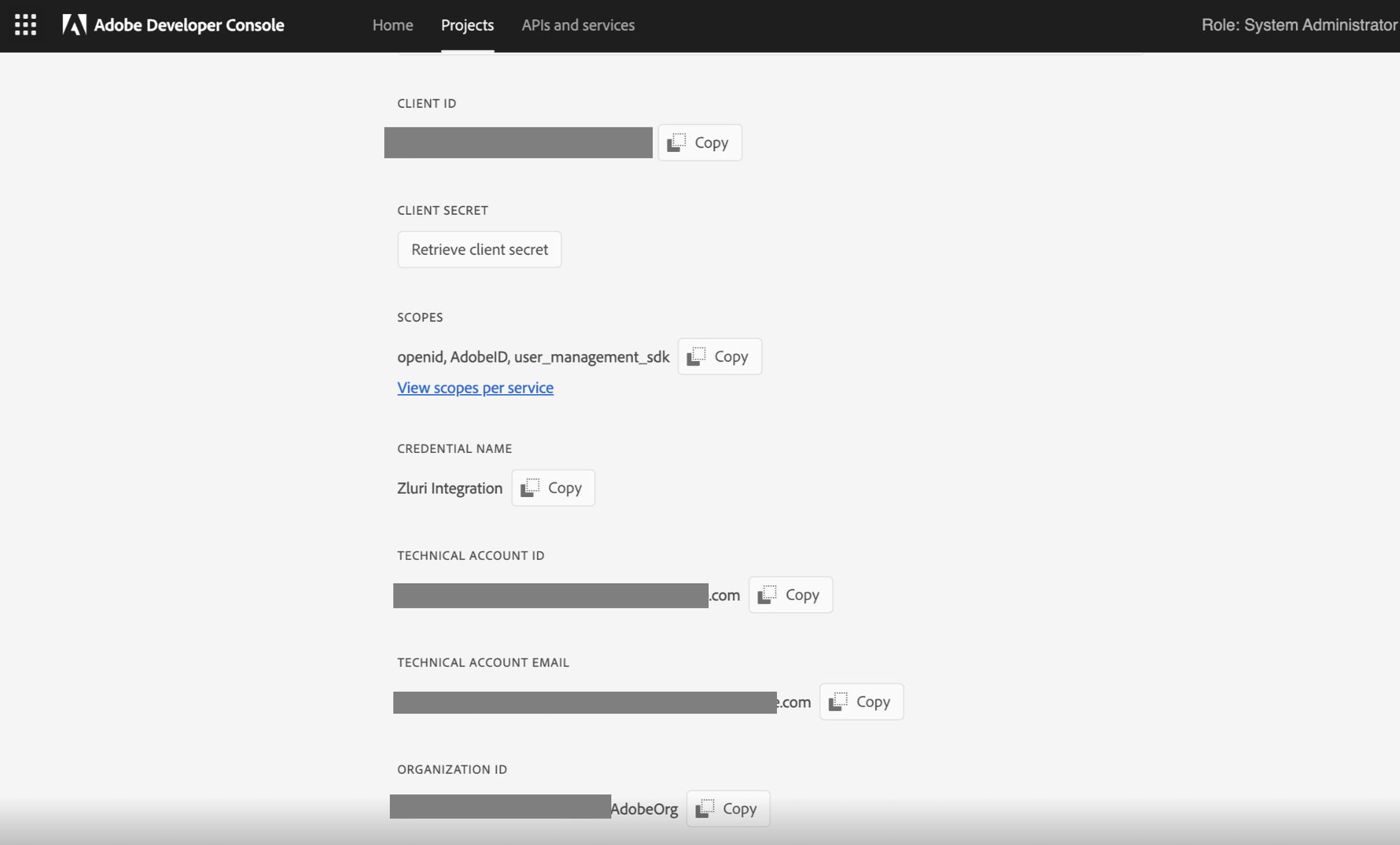
Step 6. Copy the Client ID and Client Secret

Copy both values from the credential page.


Part 2 — Connect in Zluri

Step 7. Enter the credentials in Zluri

In Zluri, go to Integrations, search for Frame.io, and click Connect. Paste the Client ID and Client Secret from Step 6.

Step 8. Approve access with Adobe

Click Connect. You will be redirected to Adobe to sign in and approve Zluri's access. Sign in with the account owner or admin login from Step 1.

Integration Complete

Zluri connects to Cursor and begins syncing data automatically.

Got questions? Feel free to submit a ticket or contact us directly at [email protected].


Did this page help you?