
About
The About panel shows details about an application, including its description and similar or alternate applications used across the industry.
Accessing the About panel
- Select Applications in the left navigation, then select an application to open its profile.
- Select About App in the top right of the profile.
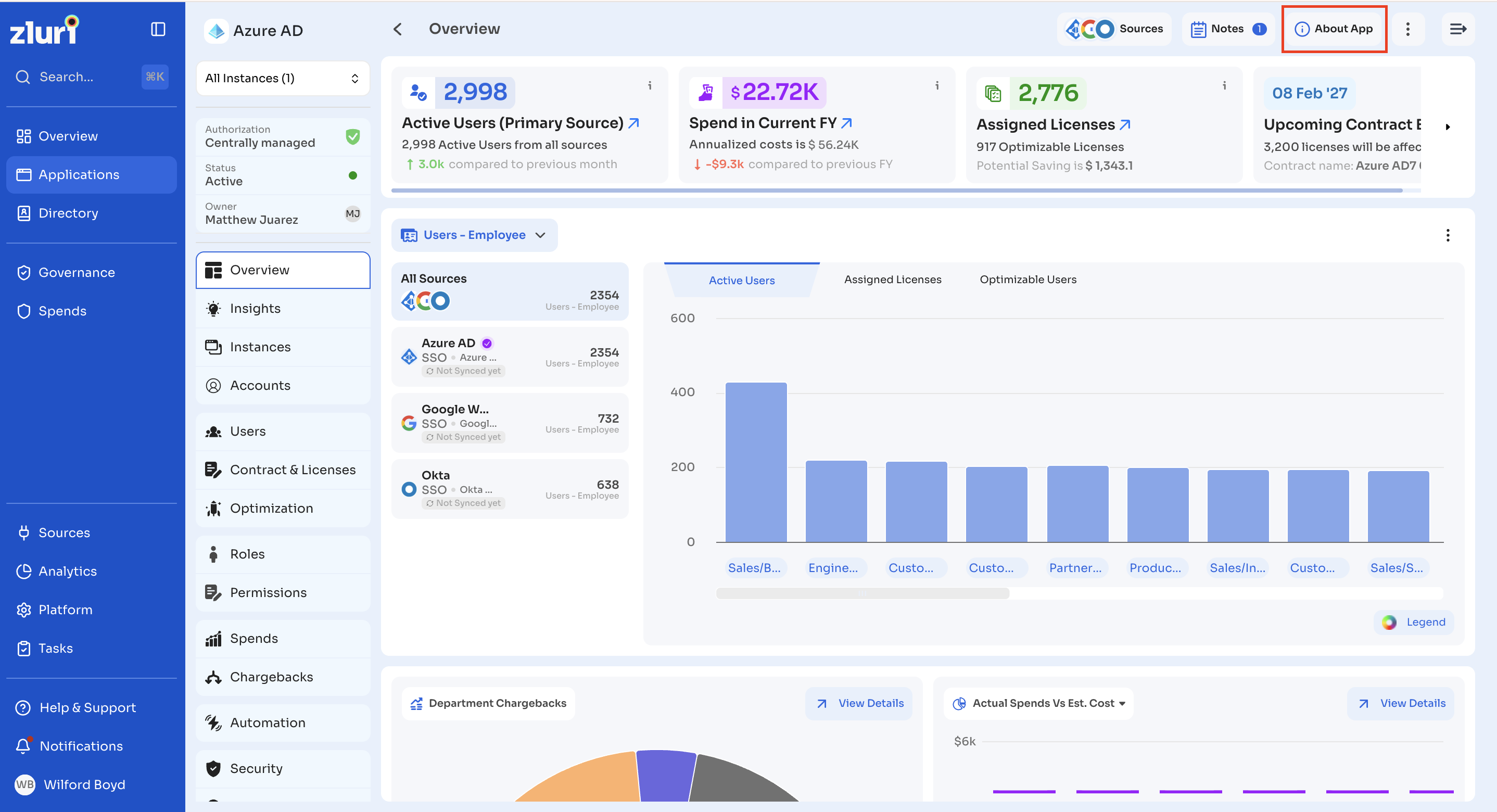
What the About panel shows
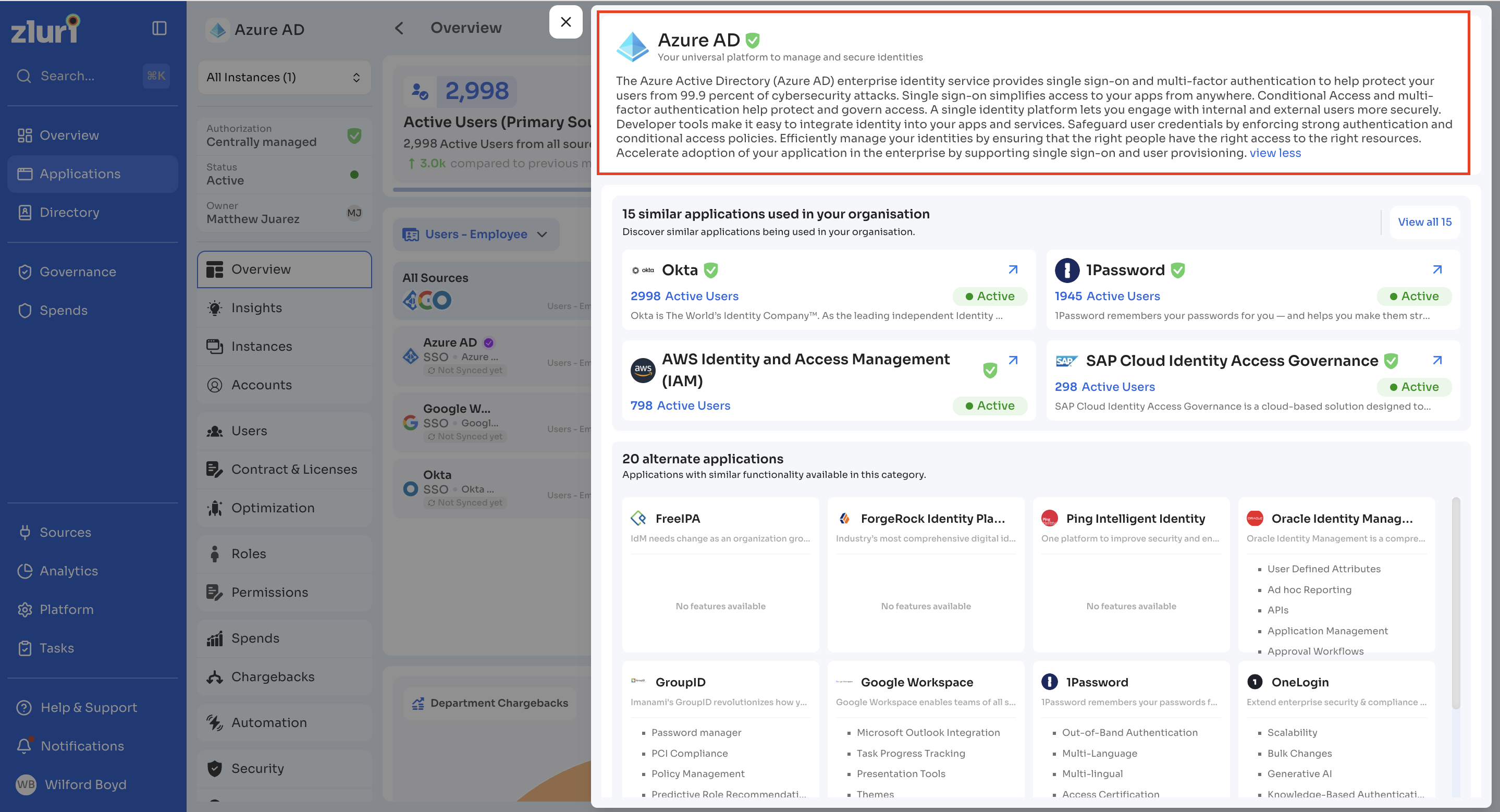
Application details
The top of the panel shows the application name, a verification badge, and a description. Select read more to expand a longer description.
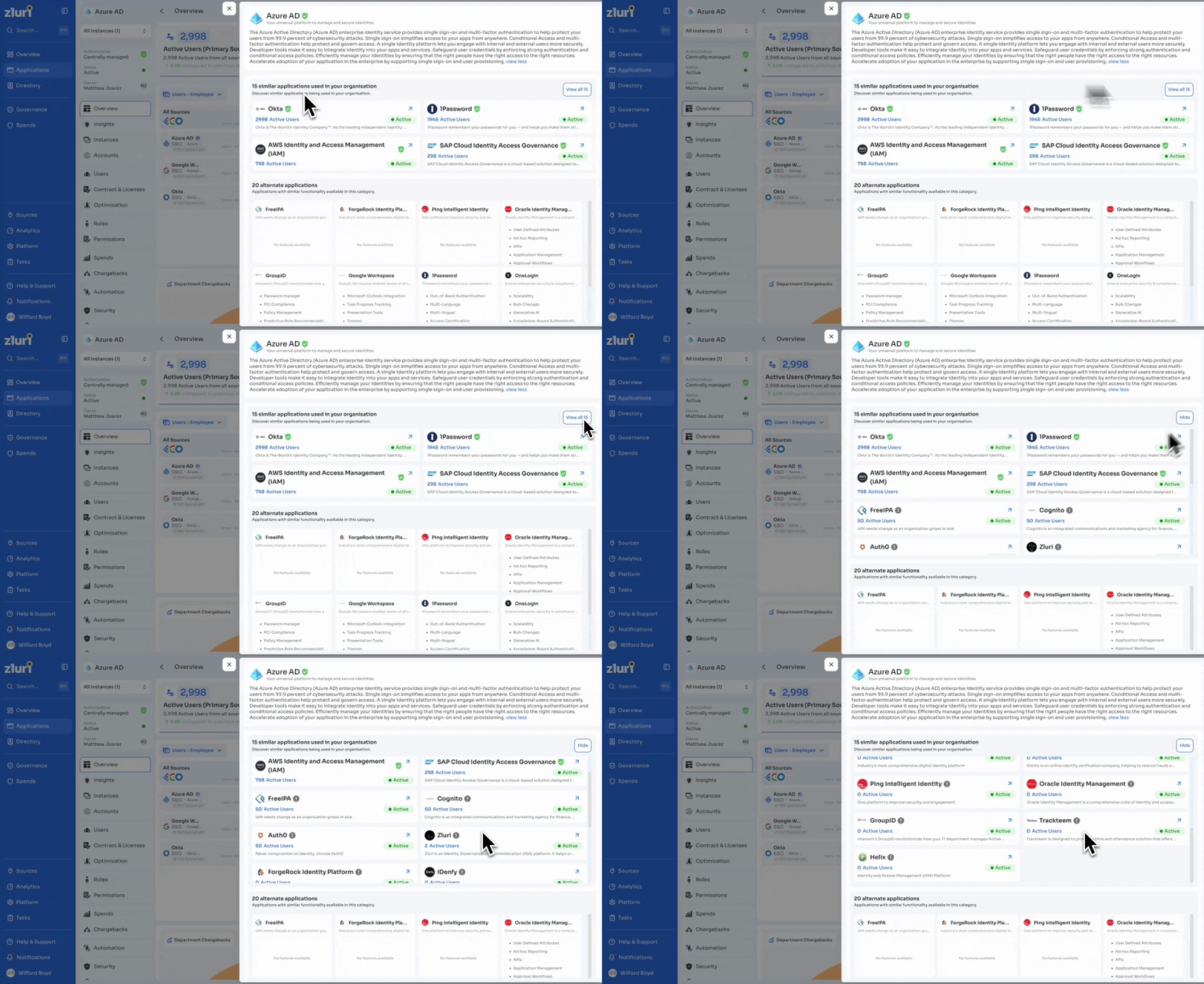
Similar applications used in your organisation
This section lists applications with similar functionality that are already in use within your organization. Each card shows the application name, verification status, active user count, status, and a short description.
Select View all [N] to see the full list of similar applications.
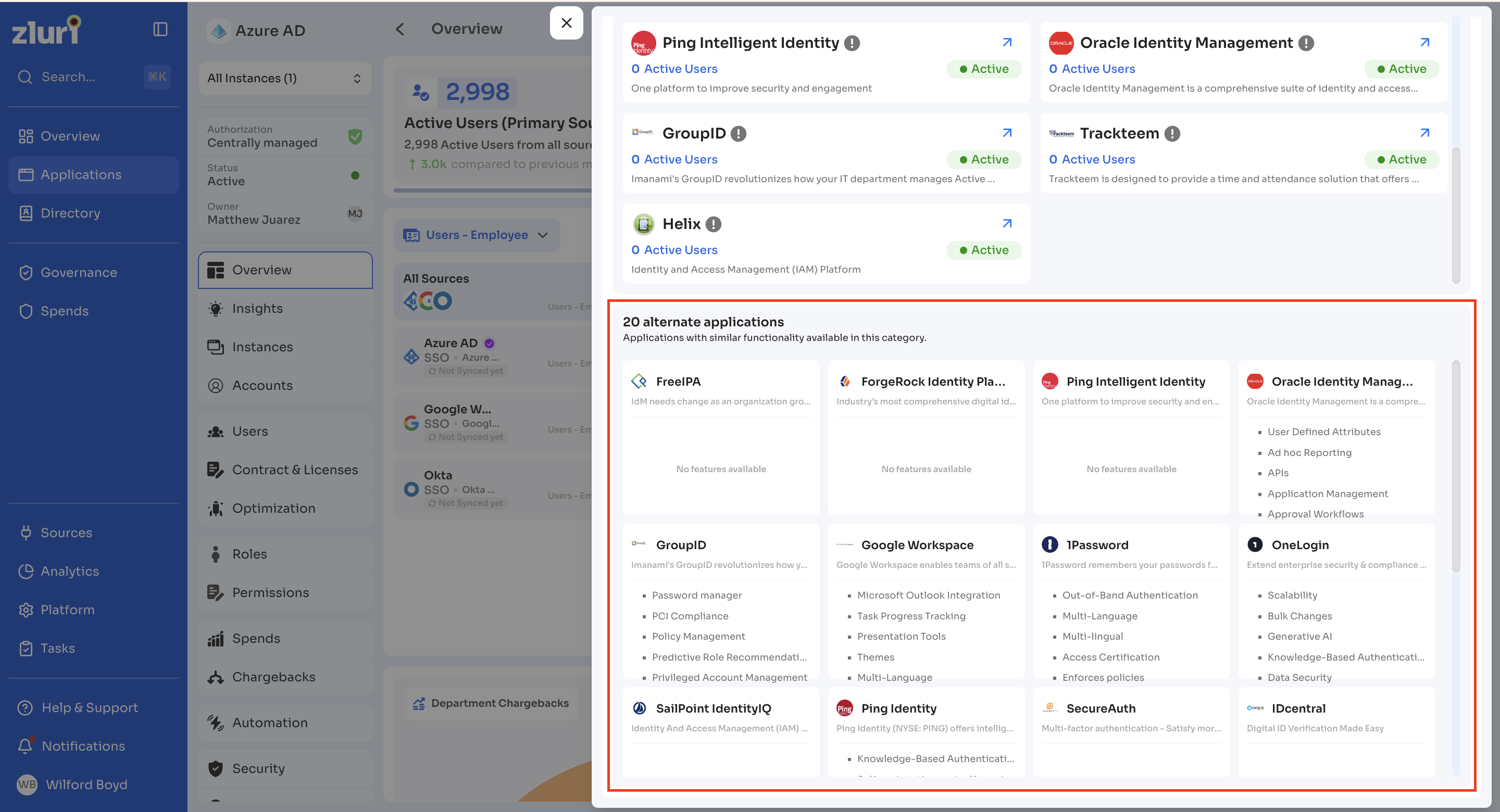
Alternate applications
This section lists applications with similar functionality that are not currently in use. Each card shows the application name, a short description, and its key features.
Updated about 1 month ago