
Spend Reports
Spend report types and generation
Available reports
Spend Reports show your organization's software spend by department, application, and cost center.
To open them, go to Analytics → Reports and click Spend Reports in the Categories panel.
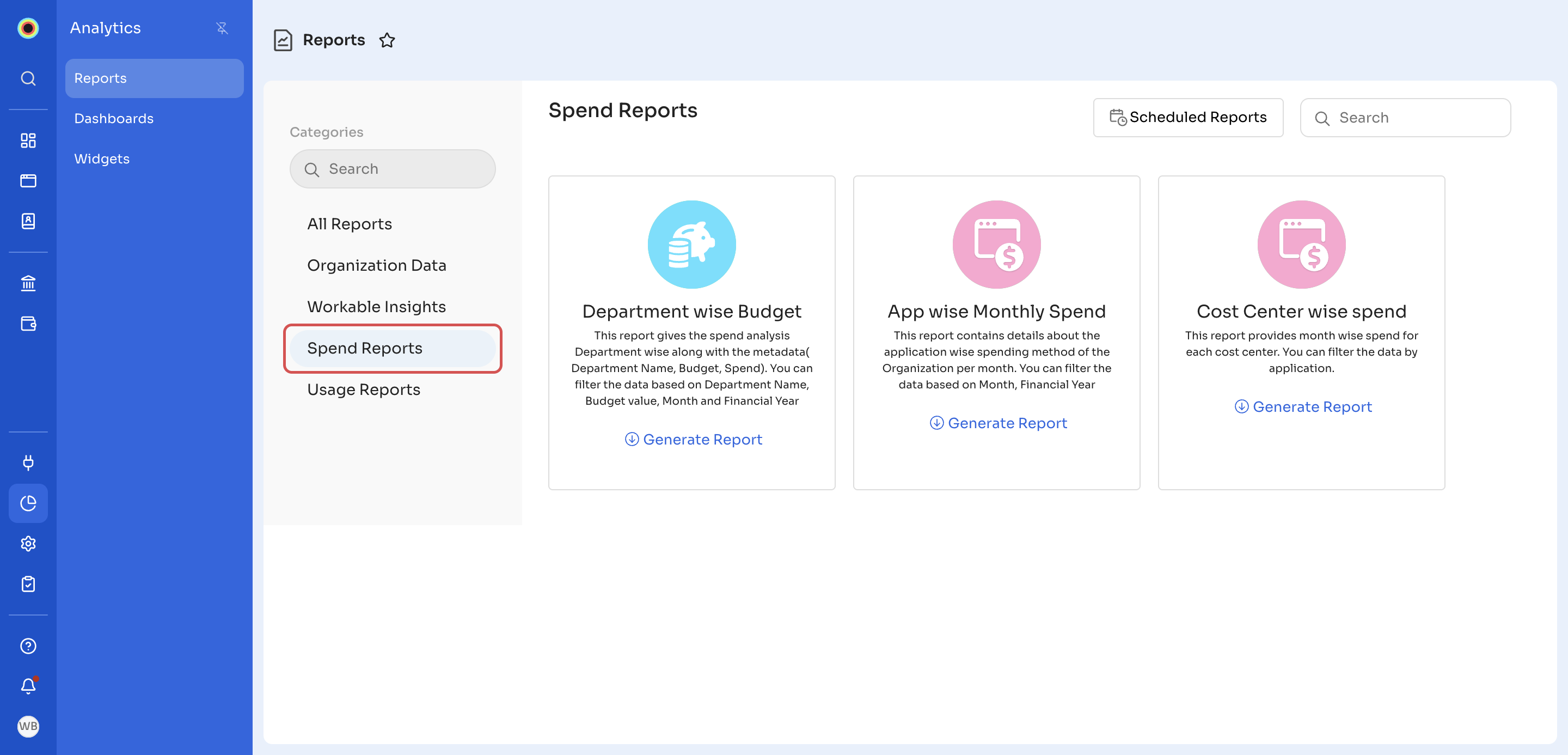
The Spend Reports category has three reports:
- Department wise Budget: spend analysis for each department, with the department name, budget, and spend. You can filter it by Department Name, Budget Value, and Month Range.
- App wise Monthly Spend: monthly spend for each application in your organization. You can filter it by Month Range.
- Cost Center wise spend: monthly spend for each cost center. You can filter it by Target App and Month Range.
To generate one of these reports, see Generate a report. To have one emailed to you on a schedule, see Schedule a report.
Updated 18 minutes ago
Did this page help you?