
Workable Insights
Gain actionable intelligence on inactive users, restricted apps, and license utilization
Available reports
Workable Insights reports point to things you can act on, such as inactive users and owners, restricted or archived apps, license use, costs, and upcoming renewals.
To open them, go to Analytics → Reports and click Workable Insights in the Categories panel.
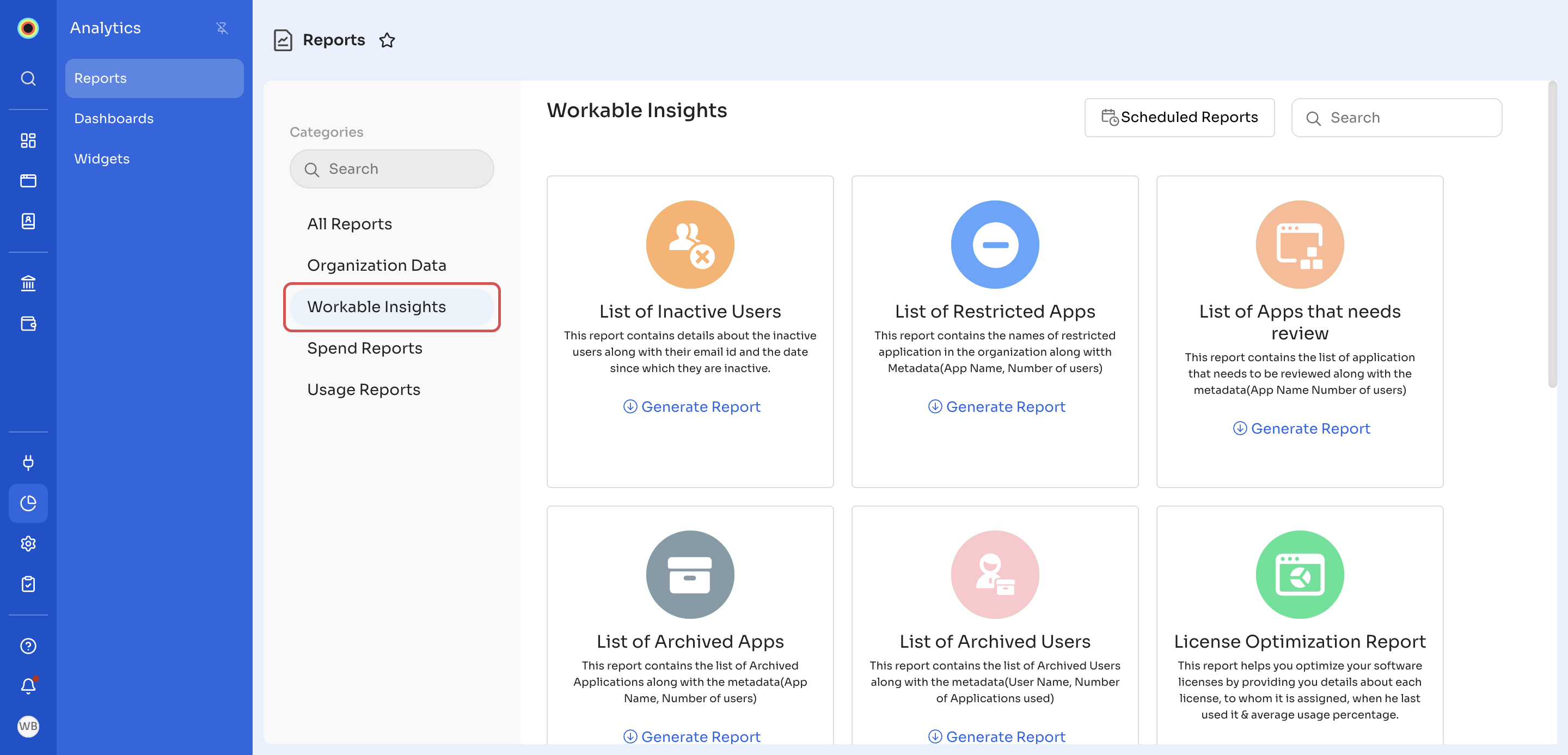
The Workable Insights category has 11 reports:
- List of Inactive Users: inactive users, with their email ID and the date they became inactive.
- List of Restricted Apps: restricted applications in your organization, with each app's name and number of users.
- List of Apps that needs review: applications that need review, with each app's name and number of users.
- List of Archived Apps: archived applications, with each app's name and number of users.
- List of Archived Users: archived users, with each user's name and number of applications used.
- License Optimization Report: helps you optimize your software licenses. For each license, it shows who it's assigned to, when they last used it, and the average usage percentage. You can filter it by Target App.
- User Activity Report: helps you find users who haven't used an application since a particular day. You can filter it by User Employment Status, Target App, No of Days since usage, and Cost Center.
- Inactive Owners Report: application owners who have left the organization or are marked inactive.
- Application wise cost: monthly amortized cost for each application. You can filter it by Month Range.
- Department wise cost: monthly amortized cost for each department, based on the licenses the department uses. You can filter it by Month Range.
- Renewal Report: upcoming renewals for the selected duration, with the application name, contract name, renewal type, and amount.
Note: Application wise cost includes only applications that have contracts added in Zluri. Applications without a contract don't appear in it.
To generate one of these reports, see Generate a report. To have one emailed to you on a schedule, see Schedule a report.
Updated 18 minutes ago
Did this page help you?