
Usage Reports
Discover redundant applications
Available reports
Usage Reports help you find redundant applications in your organization.
To open them, go to Analytics → Reports and click Usage Reports in the Categories panel.
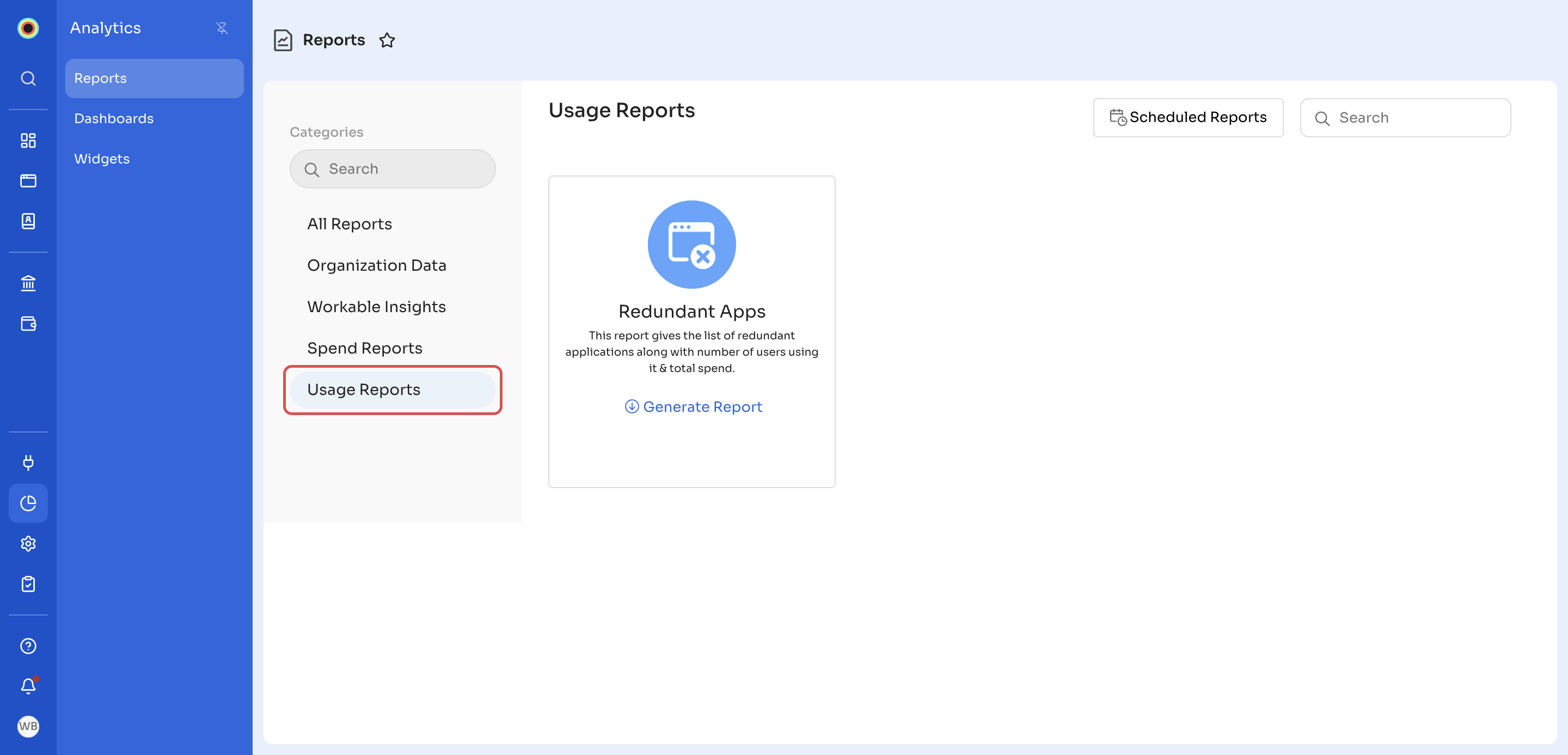
The Usage Reports category has one report, Redundant Apps, which lists redundant applications, with each application's number of users and total spend. You can filter it by Authorization Status.
To generate this report, see Generate a report. To have it emailed to you on a schedule, see Schedule a report.
Updated 18 minutes ago
Did this page help you?