
Navigation, bookmarks, and recents
Overview
Zluri's navigation groups the platform into two levels so users reach the page they need in fewer clicks. Primary navigation covers the main areas of Zluri. Secondary navigation opens inside each area and groups its related capabilities. Identity governance and SaaS management appear in the same navigation, so users move between them without switching products.
Bookmarks and recents help users return to the pages they use most. Recents lists the last pages a user opened. Bookmarks keep the pages a user chooses to save.
What the navigation includes
The navigation groups Zluri into the following areas.
| Area | What it contains |
|---|---|
| Primary navigation | The main areas of Zluri, such as Applications and Directory, and the product areas that Zluri groups by use case. |
| Secondary navigation | Opens inside the selected area and groups its related capabilities, for example Access Requests, Access Reviews, Access Management, and Spend Management. |
| Platform sections | Sources (integrations and agents), Analytics, and Platform (Settings, such as admin and app catalog settings, and Audit Logs). |
| Profile switcher | Sits at the bottom left of the screen. Switch to employee mode, open account settings, or change the language. |
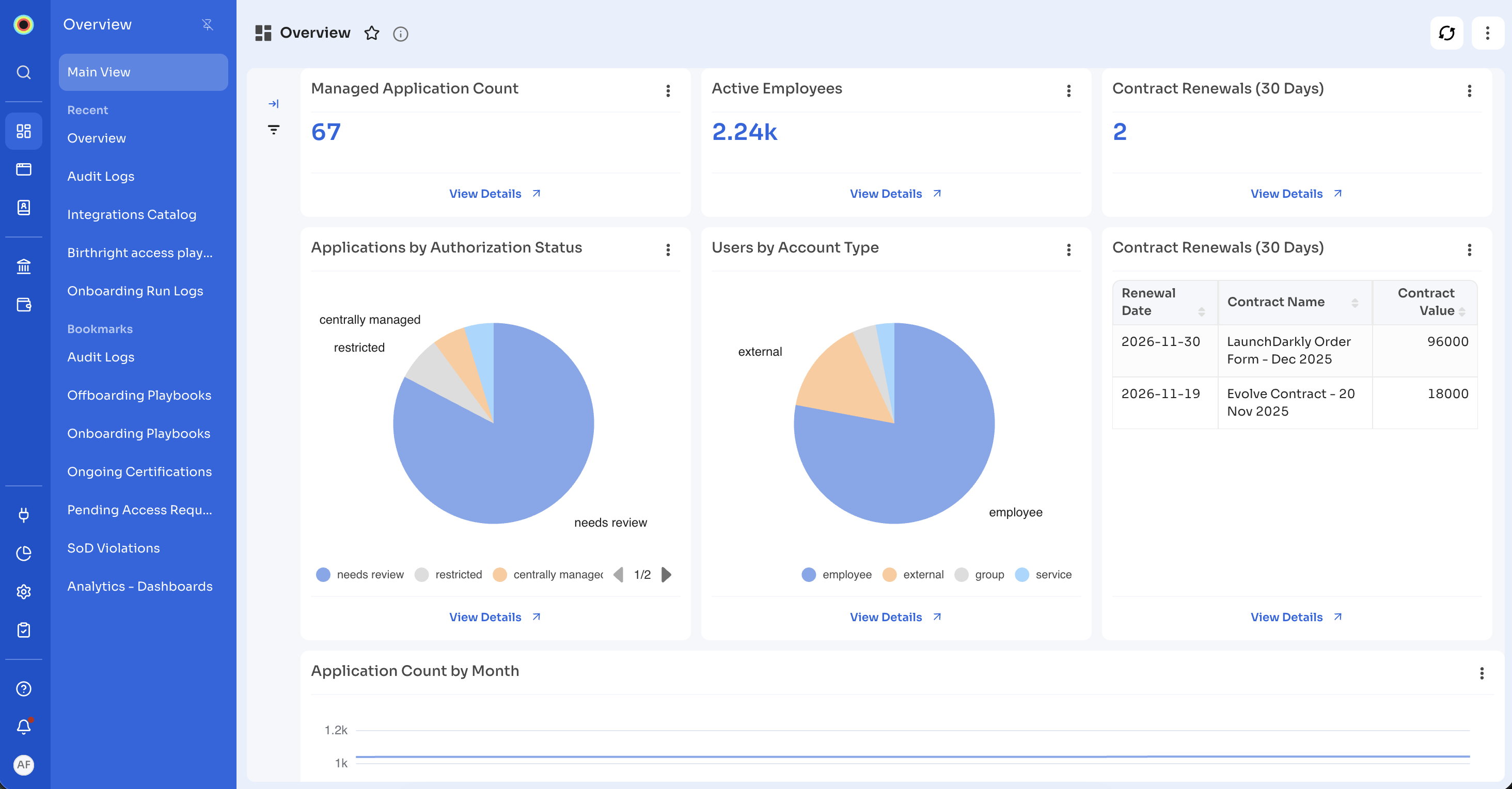
Change how the navigation appears
Primary navigation expands or collapses, and secondary navigation pins or unpins. The following controls set the layout.
| Control | What it does |
|---|---|
| Expand or collapse primary navigation | Shows the primary navigation with labels or reduces it to icons for more room. |
| Pin or unpin secondary navigation | Pinning keeps the secondary navigation open as users move between pages. Unpinning gives the page more room. |
Choose the layout that fits the task: pin the secondary navigation for constant context, or unpin it for more room on the page. When users sign in, the primary navigation starts collapsed and the secondary navigation starts expanded.
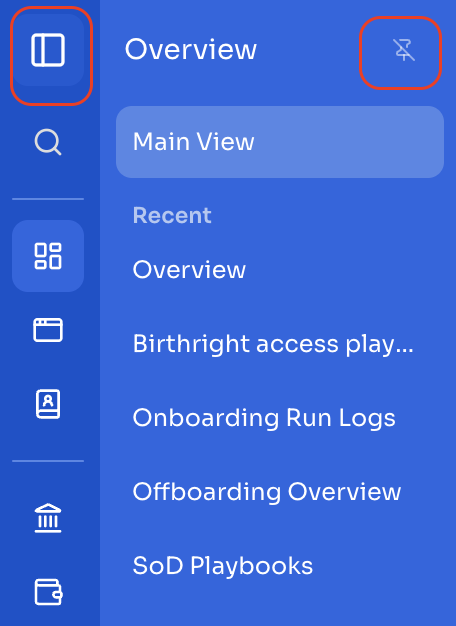
Bookmarks and recents
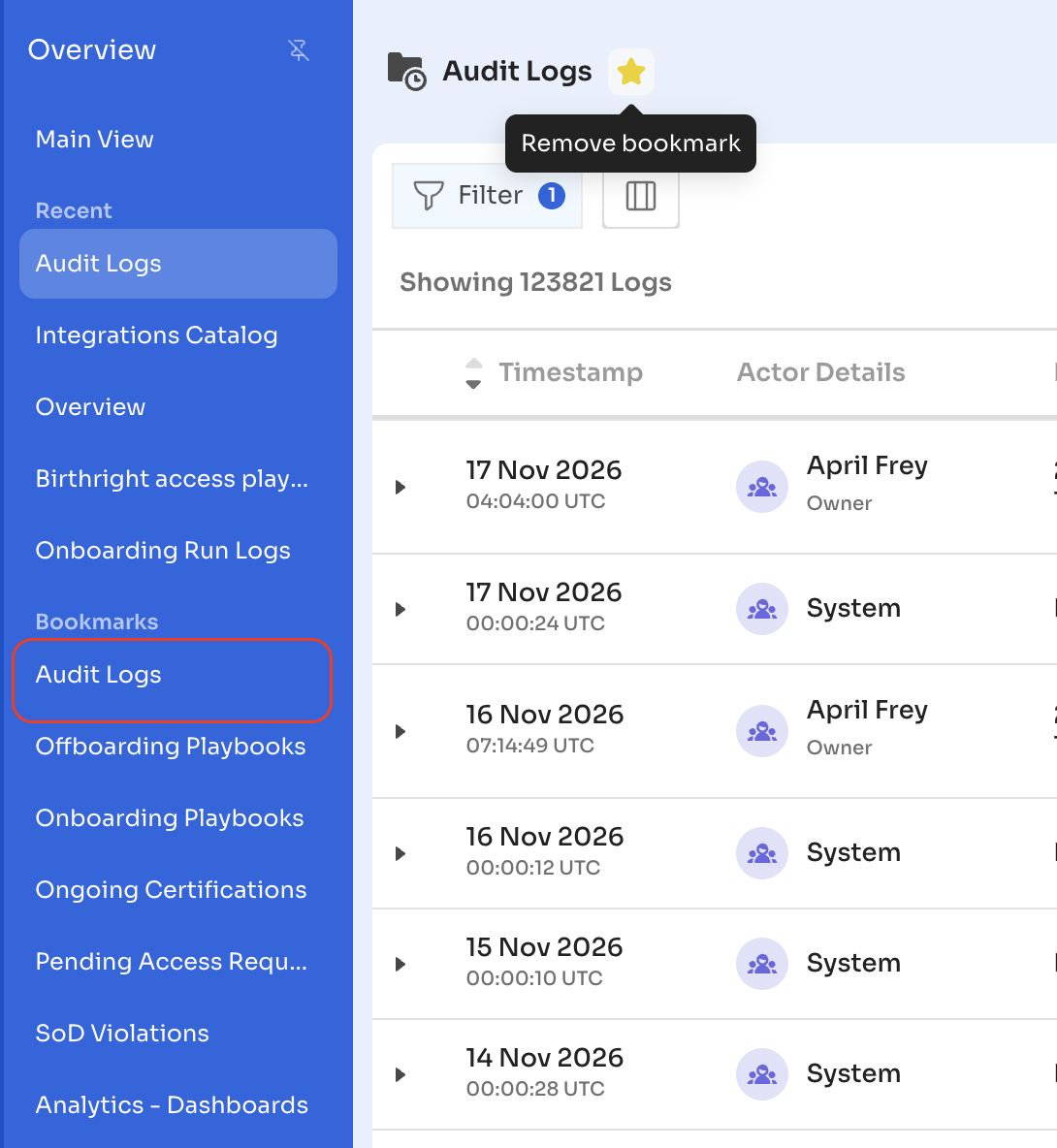
Bookmarks and recents appear together under Overview > Bookmarks / Recents.
Each user has their own bookmarks and recents. Zluri keeps them with the user's account, so they appear on every device the user signs in from. Other users do not see them.
Recents fills in automatically as users open pages. Bookmarks change only when a user adds or removes one.
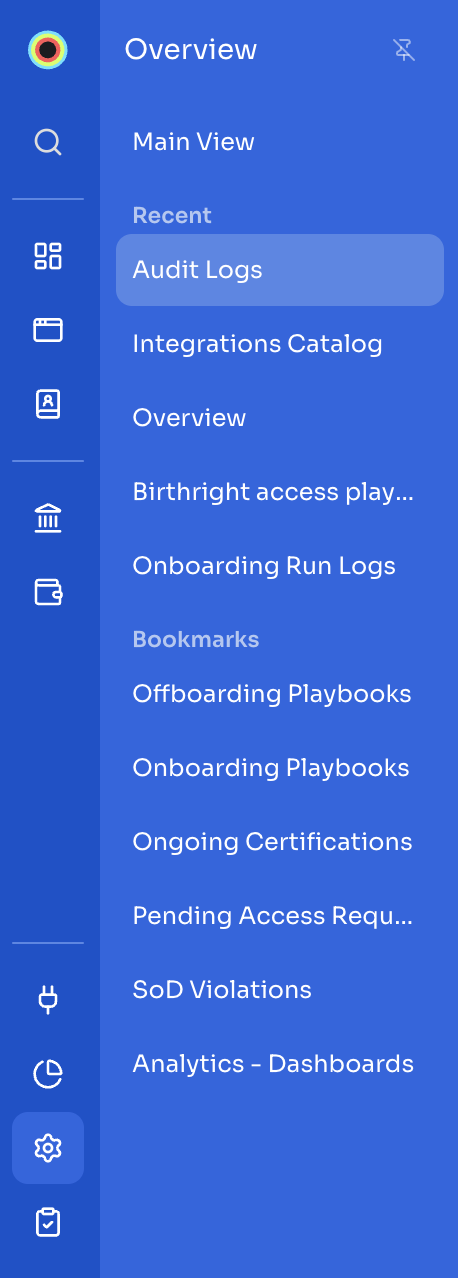
Open a recent page or a bookmark
Select a page in either list to open it.
Steps
- Go to Overview > Bookmarks / Recents.
- Select Recents to see the last 5 pages, or select Bookmarks to see the bookmarked pages.
- Select a page to open it.
Bookmarks
Bookmark any page at the levels listed in the Pages that bookmarks and recents save section.
Steps
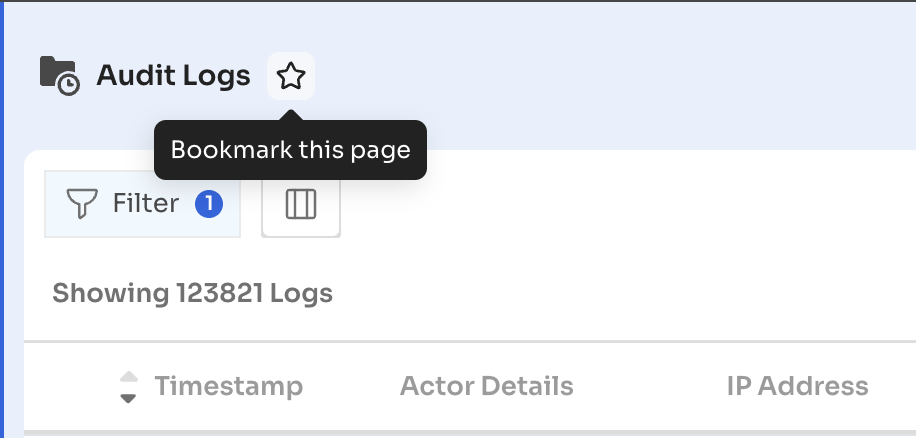
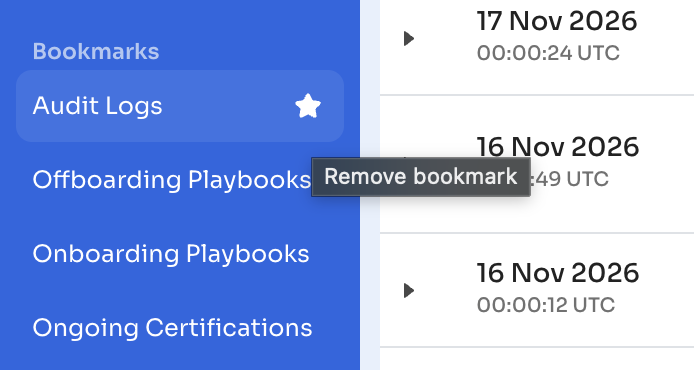
- Open the page to bookmark. Zluri adds the page to Bookmarks. The page stays there until a user removes it. Opening other pages does not move or replace it.
- Remove a bookmark when the page no longer needs quick access from the page header or from the Bookmarks section on the navigation.
How recents work
Zluri maintains recents automatically, and users do not add or remove entries. The following table describes how the list behaves.
| Behavior | What happens |
|---|---|
| Order | The page opened most recently appears first. |
| Size | Recents lists the last 5 pages. |
| Repeat visits | Each page appears once. Opening a page already in the list moves it to the top and does not add a second entry. |
| Full list | When a user opens a new page, the oldest page drops off the list. |
For example, a user opens App Overview for Slack, then App Accounts, then App Overview again. Recents shows two entries: App Overview first, then App Accounts.
Pages that bookmarks and recents save
Bookmarks and recents work from the top of the navigation down to the tabs on an entity's detail page. The following table shows each level.
| Level | Example | Saves as its own entry |
|---|---|---|
| Module | Applications | Yes |
| Sub-module | Apps Inventory | Yes |
| List and its tabs | Managed Apps, Restricted Apps | Yes |
| Entity details | Slack app details | Yes |
| Tabs on entity details | App Overview, App Accounts, App Spends | Yes |
| Pages opened from those tabs, and their tabs | App account details, violation details | No |
Bookmarks and recents save the exact page, such as Slack App Accounts, and not only the area it sits in.
When a user opens a page from one of the entity tabs, for example account details from App Accounts, Recents keeps App Accounts at the top. That tab is the last page the user visited at a level that recents and bookmarks save.
Updated about 2 hours ago